Vectors & sketches
Two ways to draw freeform on the canvas. Both are real SVG.
Vectors
Precise paths you control point by point.
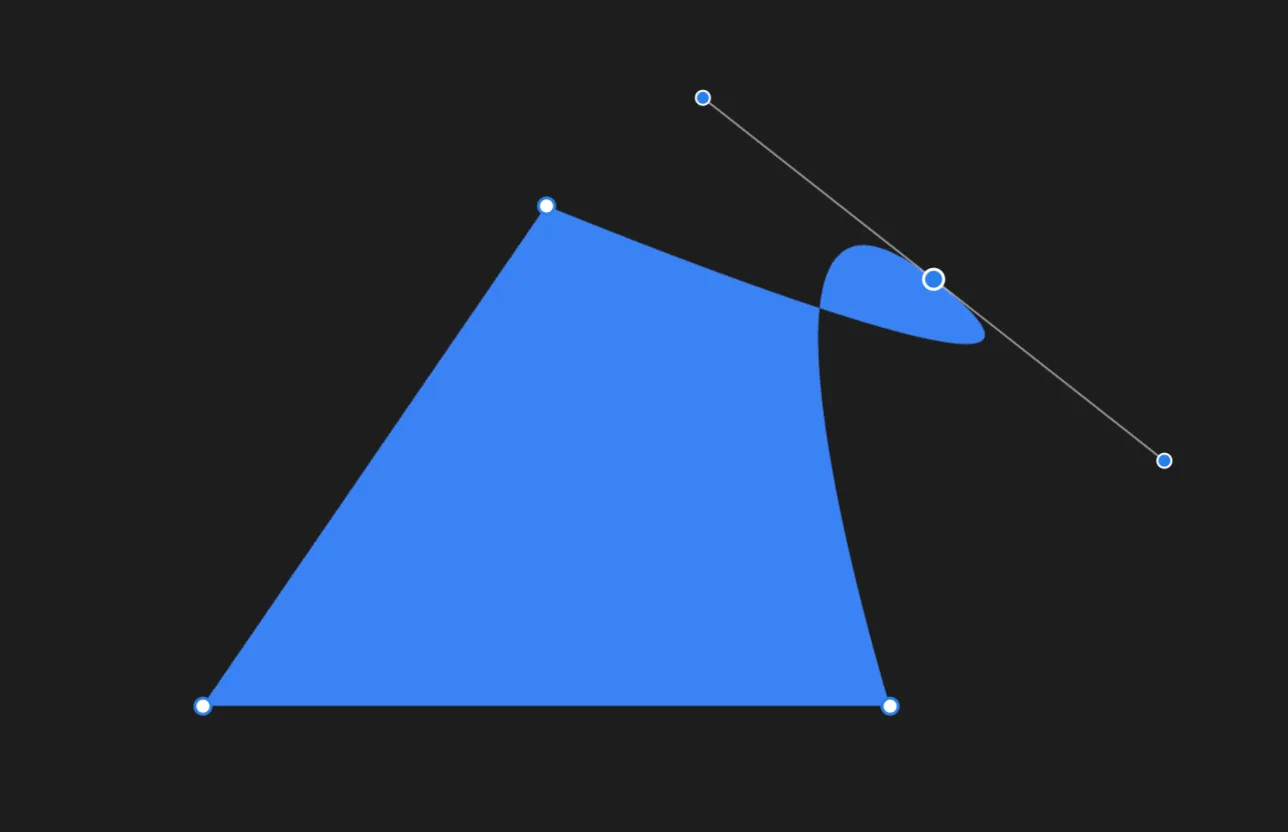
- Press P for the path tool, then drop one point at a time and close it.
- Re-select to edit — drag a point to move it, or drag its bezier handles to curve the segments around it.
- Rectangles (R), ovals (O), and triangles (⇧T) are vectors too.
- The properties panel gives you full SVG control over points, curves, fill, and stroke.
Sketches
Freehand drawings, like sketching with a pen. Sketches have their own set of tools.
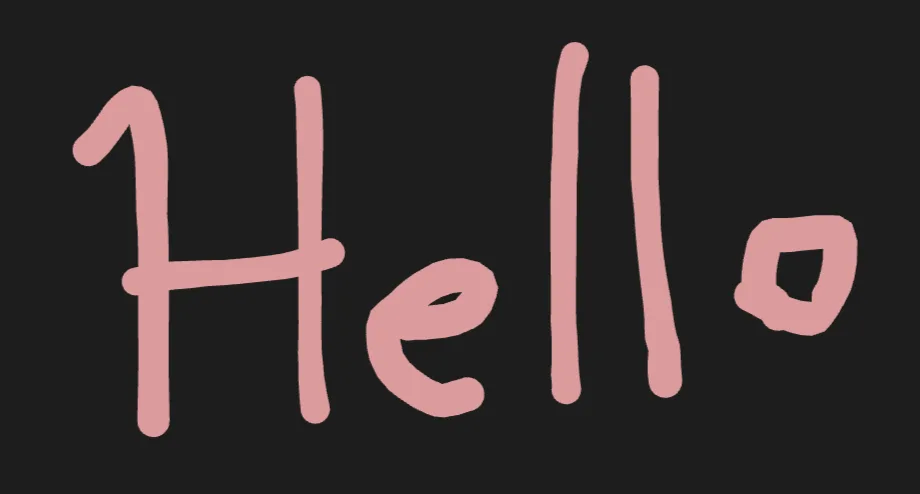
- Press K to start a sketch, then draw freely — the line follows your hand.
- Strokes are pressure-sensitive, so thickness follows how hard you press.
- Set the stroke color in the properties panel.