Preview your site
Preview runs your site in a real Next.js server so you can click through it before you publish — every route, dynamic CMS page, and breakpoint, exactly as it will ship.
Open preview
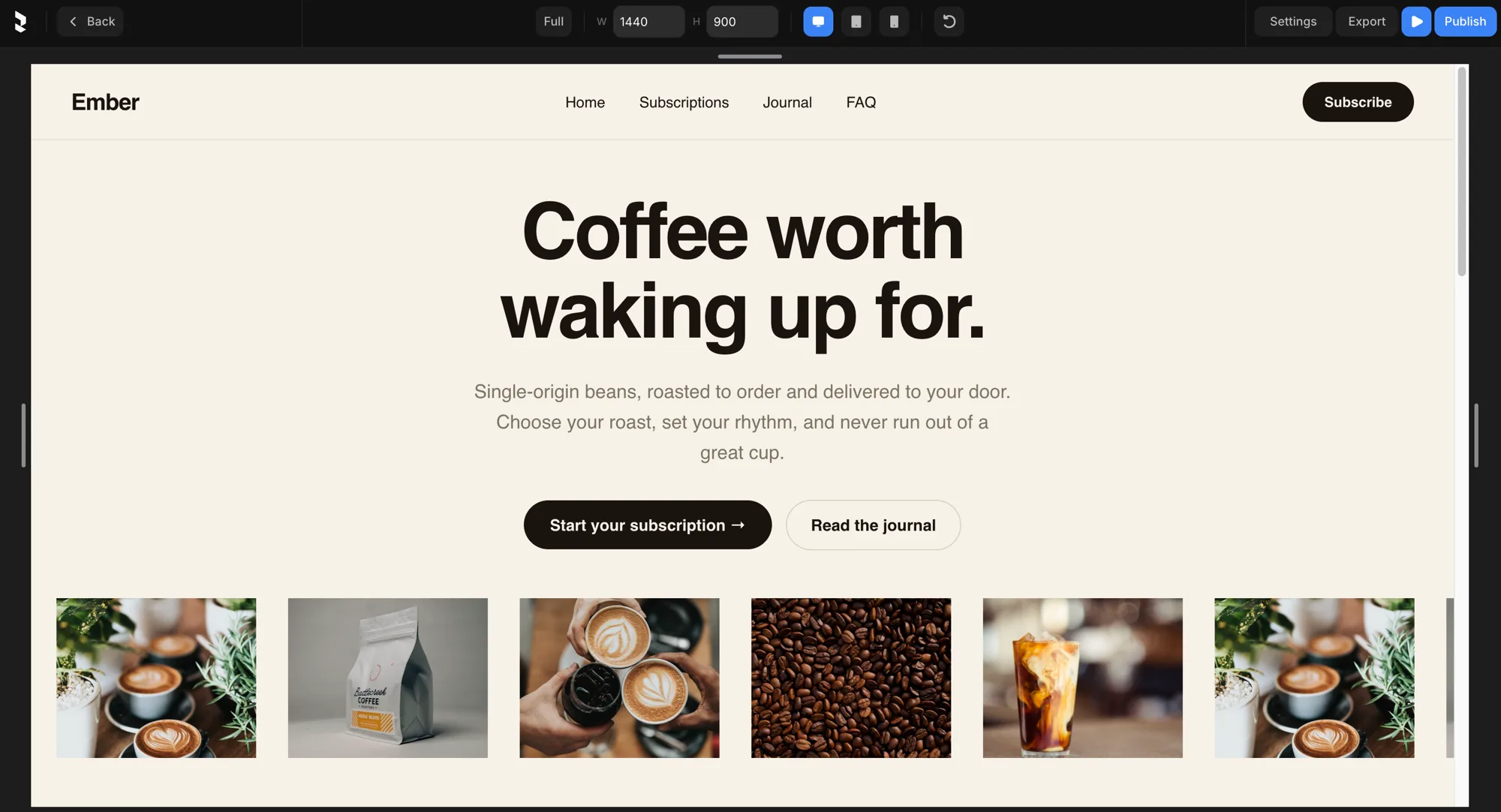
Press the ▶ Play button in the top right of the editor to preview your website.
- Routes come from your pages; dynamic routes serve CMS detail pages.
- Use the Full / W / H controls in the top bar to set the preview size, and resize to check your responsive breakpoints.
Live previews
Two previews update as you save, so you don't always need the full server:
- In-editor preview — the rendered site inside the editor, refreshed on save.
- Per-component preview — a single component rendered on its own, refreshed on save.