Building with AI
Build with AI right inside the editor using the Vibe assistant. Describe what you want and it edits the canvas live. Each request uses credits from your workspace pool.
The Vibe panel
Open it from the VIBE icon at the top of the left sidebar.
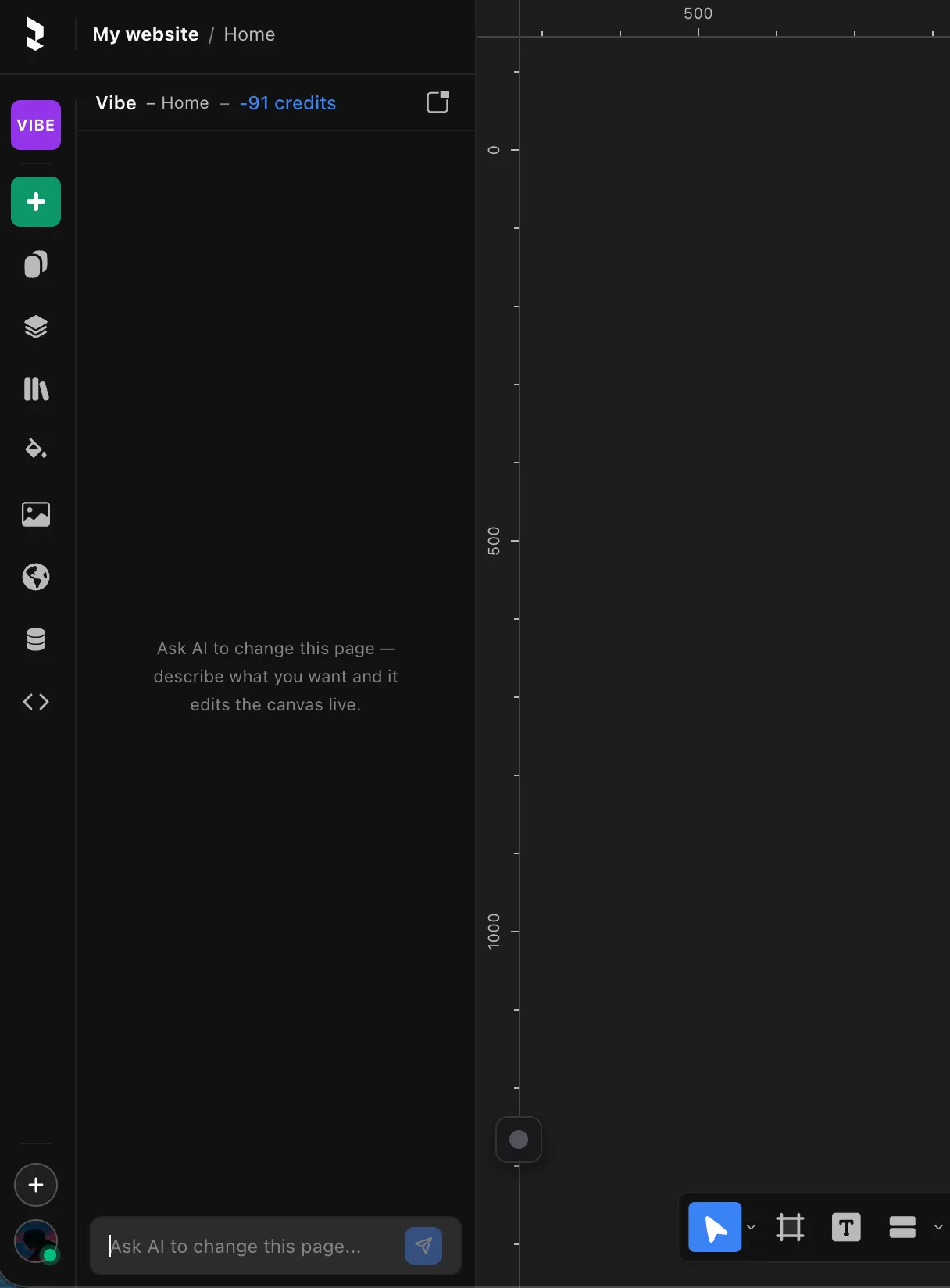
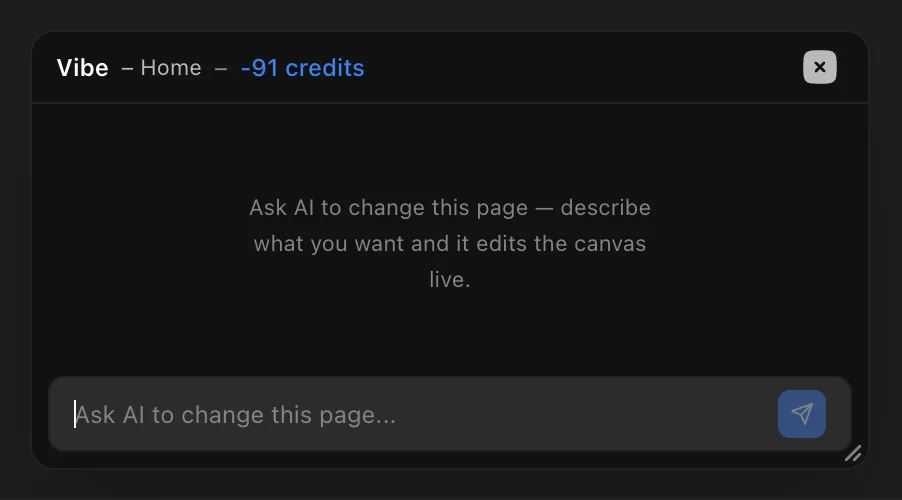
Click the pop-out icon in the panel's top-right to detach it — pop it out as a floating modal you can drag anywhere on screen.
How context works
Vibe works with whatever you're editing right now:
- On a page — it knows the page you're on. From the Home page, "add a hero section" adds it to Home.
- Inside a design component — it only sees that component, so describe changes in terms of the component.
- Same for vectors — it works within the vector you have open.
Code components
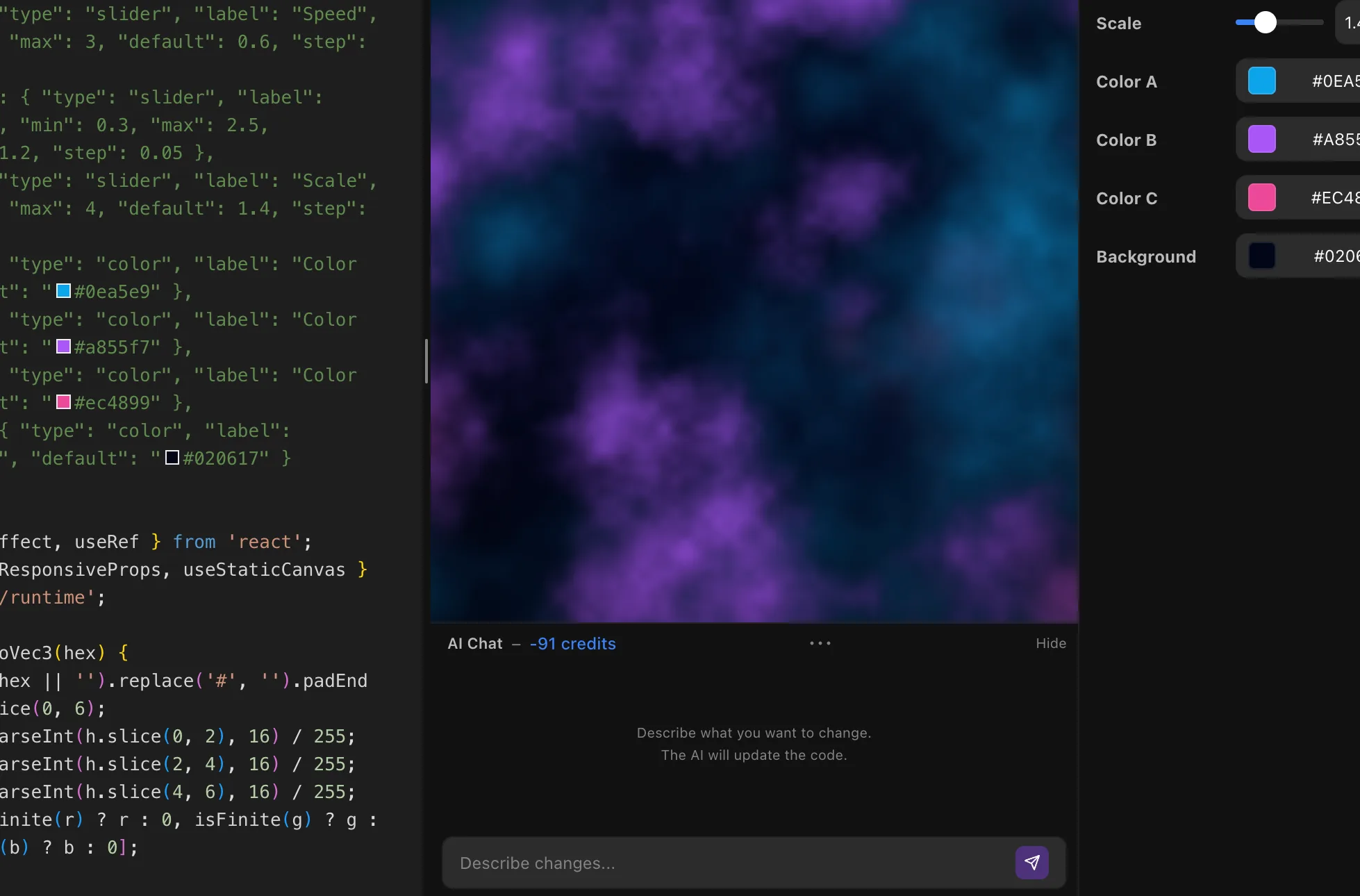
When you're editing a code component, an AI chat is built right into the editor. Ask it to create a component from scratch or edit the code you already have.
CMS content
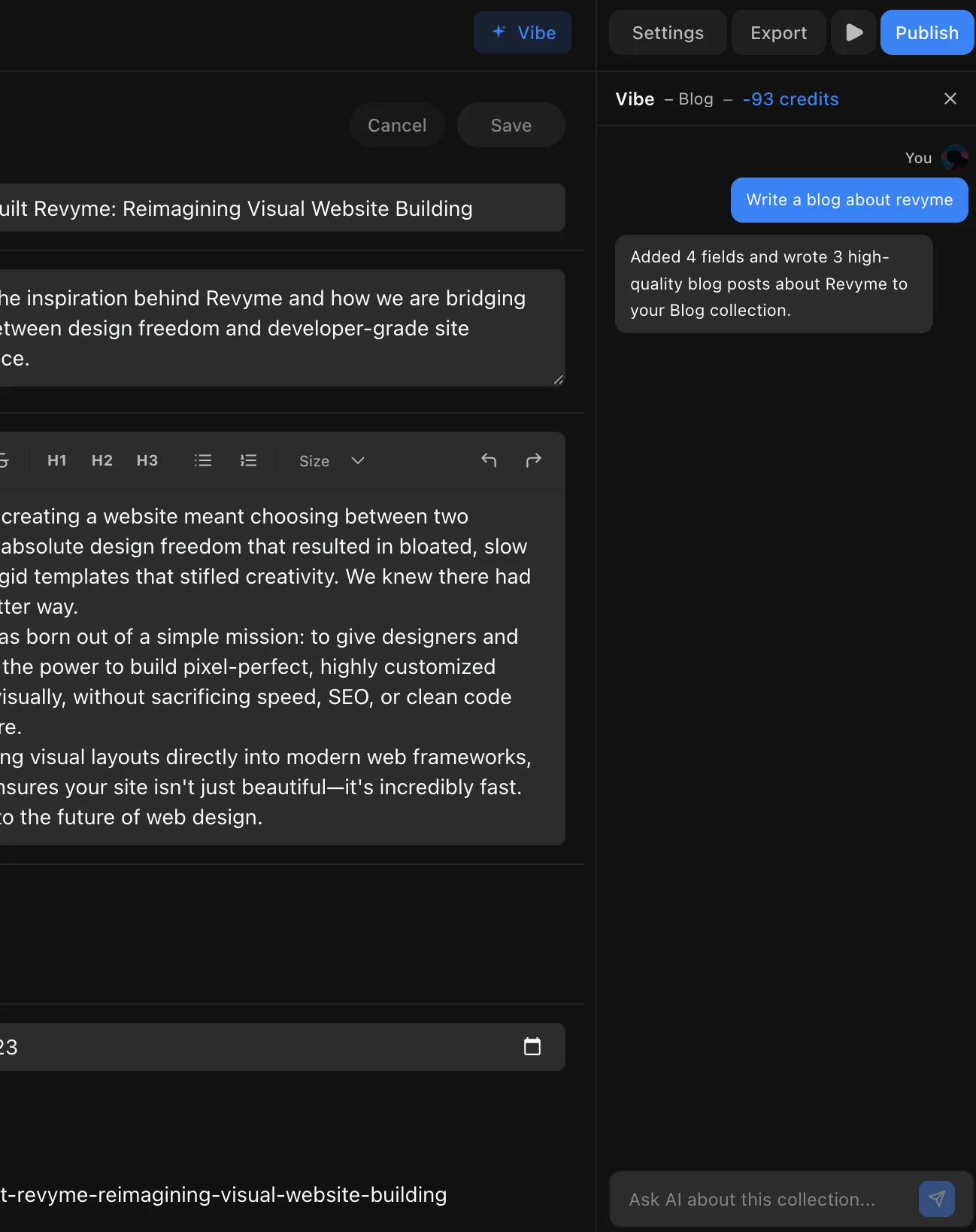
The CMS panel has its own AI chat on the right, with the context of the open collection. Ask it to add fields and write items — say "write a blog about Revyme" and it adds the fields and drafts the posts.
Credits
AI runs on credits. It's dynamic, like a token system — the more tokens a request uses, the more credits it deducts, so a small tweak costs less than a big build. Buy more AI credits from the dashboard, under your workspace settings.