Analytics
Analytics shows how people find and move through your published site.
Open analytics
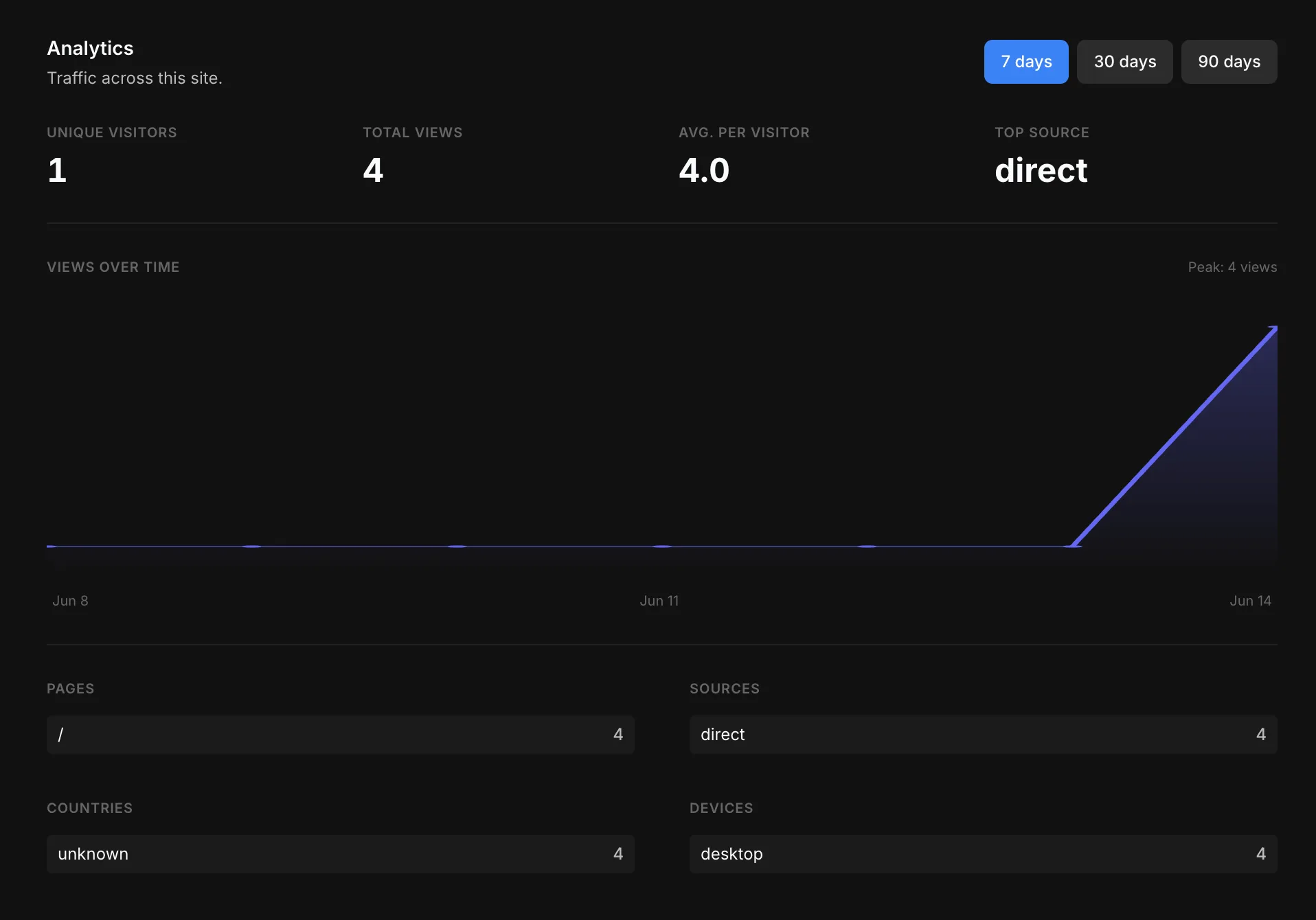
Open Settings → Analytics. Everything on the dashboard updates together for the time range you pick.
Time range
Switch every chart and number between 7 days, 30 days, and 90 days.
Summary metrics
The row at the top gives you the headline numbers at a glance:
- Unique visitors — distinct people who visited.
- Total views — all page views in the period.
- Avg. per visitor — views divided by unique visitors.
- Top source — the single biggest channel sending you traffic.
Views over time
A chart of views across the selected period, with the peak day called out.
Breakdowns
Below the chart, four lists rank where your traffic comes from and who it is:
- Pages — your most-visited pages.
- Sources — where visitors came from (direct, referrals, etc.).
- Countries — visitors by location.
- Devices — the split across desktop, tablet, and mobile.
Plan limits
Some advanced views depend on your plan.