Staging
Staging lets you deploy a version of your site to a separate URL for testing or client review, before promoting it to your live domain. (Available on Pro and up.)
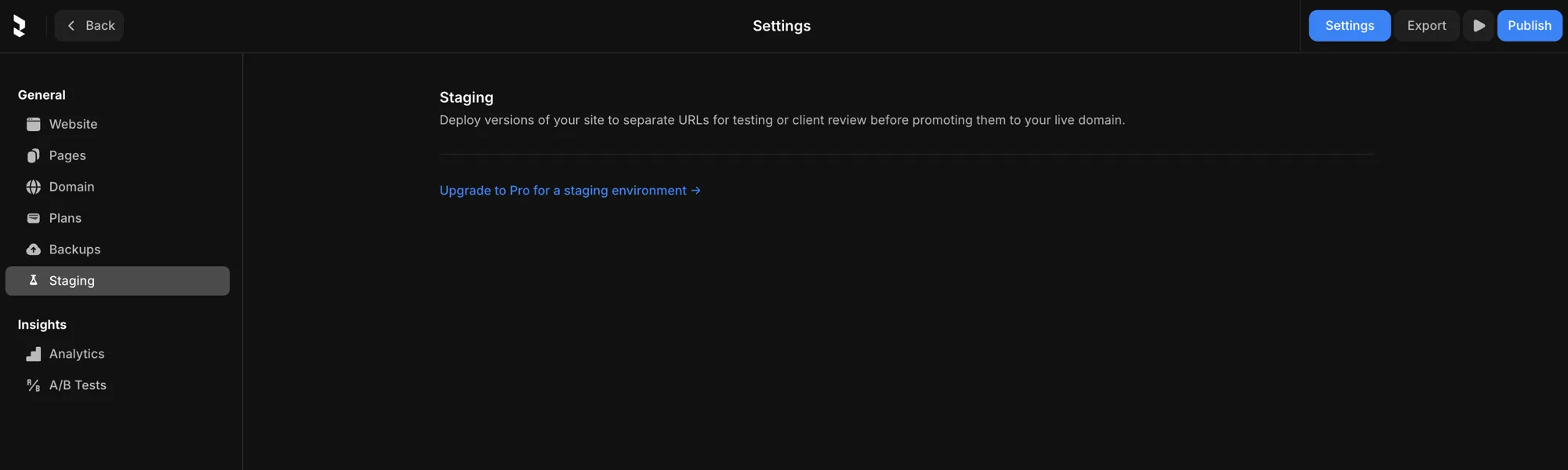
Find it under Settings → Staging, or Manage staging in the Publish dropdown.
How it works
- Deploy your current work to a staging URL — separate from your live site.
- Review it there: click through the real site, or share the URL with a client for sign-off.
- Promote it to production when it's approved — it becomes your live site.
Because staging is a separate deployment from your live site, you can test changes safely without touching what your visitors see.