Frames
A frame is the basic container element — a div you draw on the canvas and put other elements inside.
Draw a frame
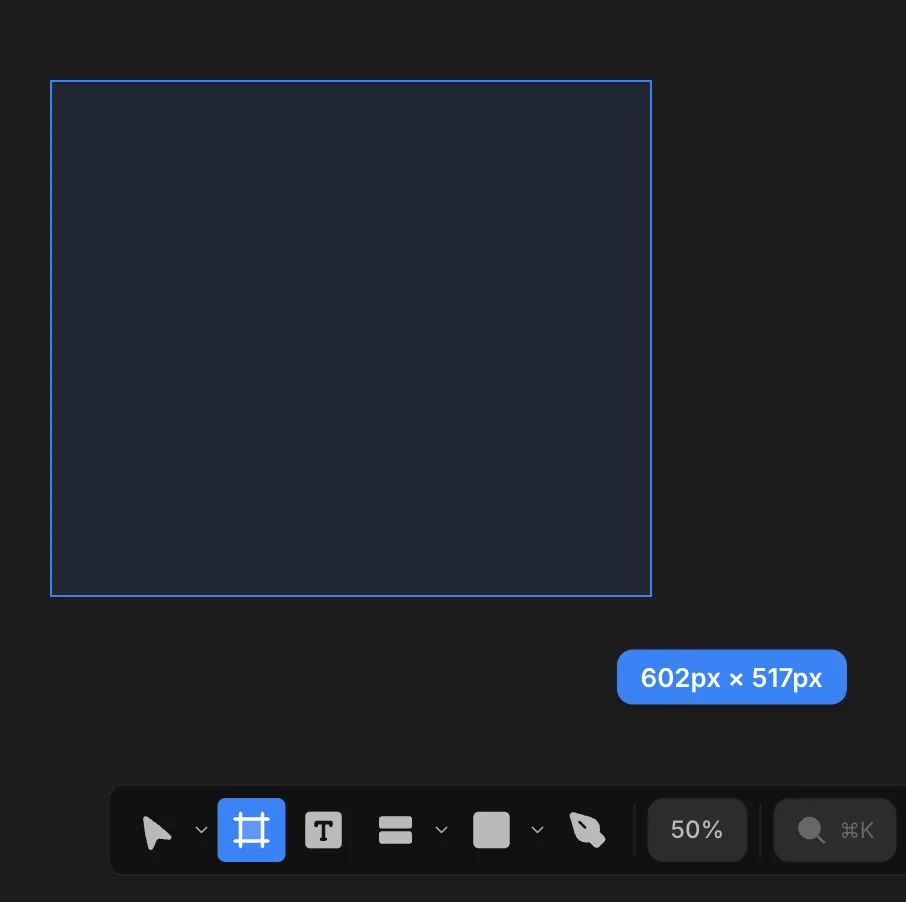
Press F and drag on the canvas. The frame is the parent for anything you put inside it.
Frames inside frames
- Draw a frame inside another frame and it becomes that frame's child automatically.
- Draw a frame over existing frames and every frame inside your drawing box becomes a child of the new frame.
Reparent by dragging
Drag a frame onto another to make it a child; drag it out to move it back up the tree.
How it lands depends on the target frame's layout:
- In a flex frame, it slots into the row or column at the spot you drop it.
- In a free frame, it keeps its position and just changes parent.
Visual cues guide you the whole time — the target frame highlights and a drop indicator shows exactly where the frame will sit, so you can see each hierarchy change before you release.