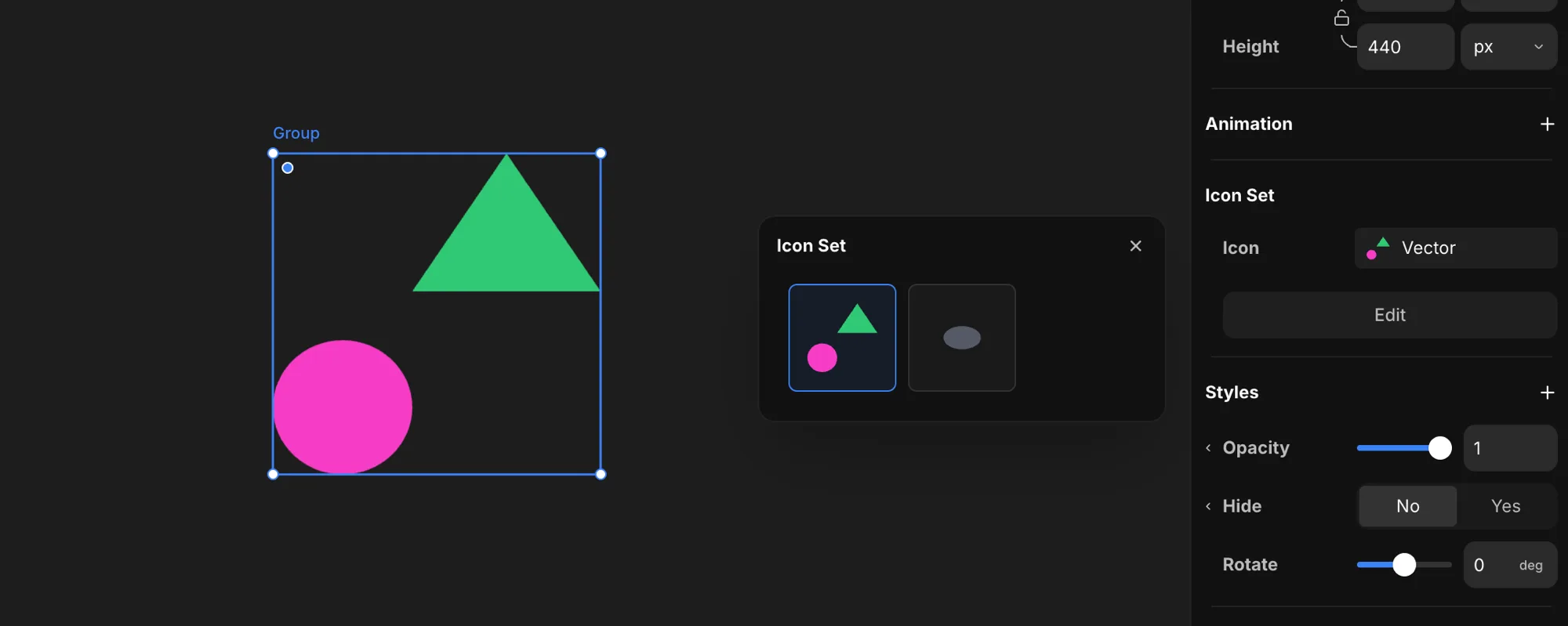
Icon sets
An icon set bundles related icons into one reusable file. The master holds every icon as its own variant, and each placement on the canvas picks one to show — perfect for an icon collection you pull from again and again.
Create an icon set
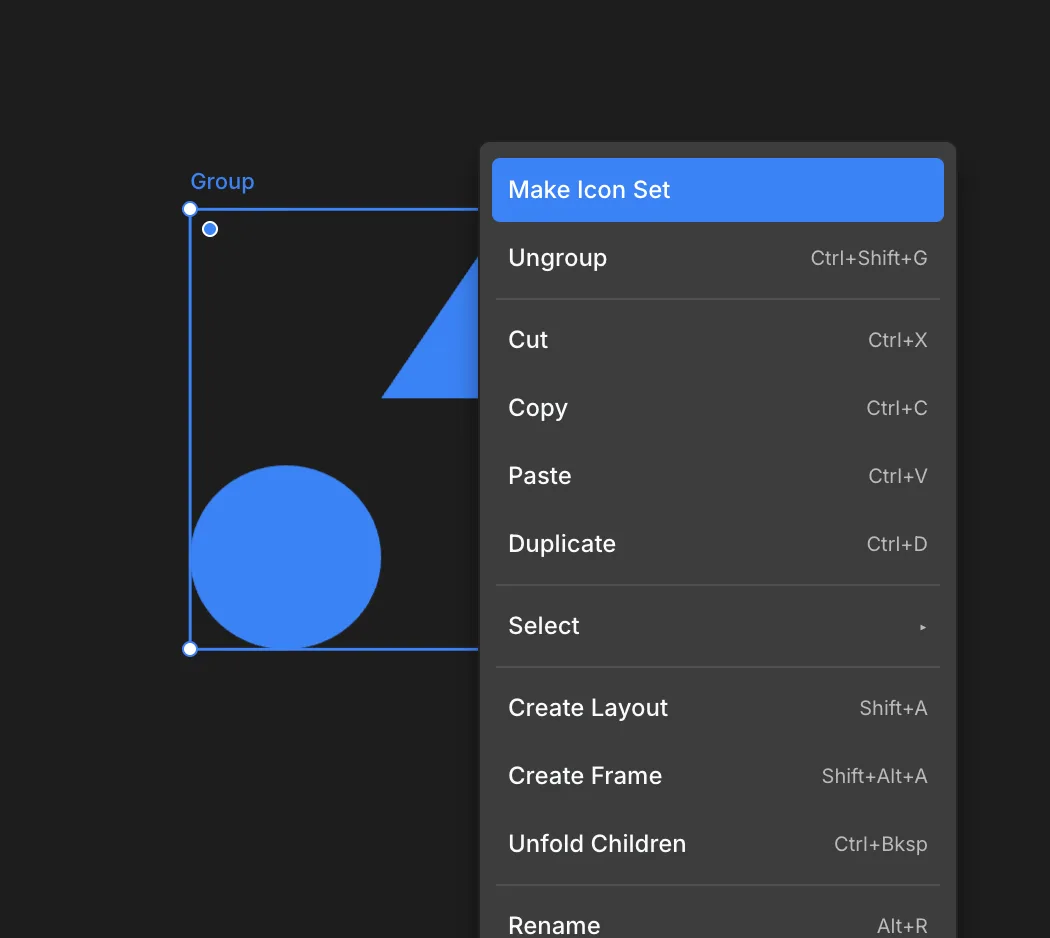
Select the SVGs you want to bundle, then choose Make Icon Set from the right-click menu.
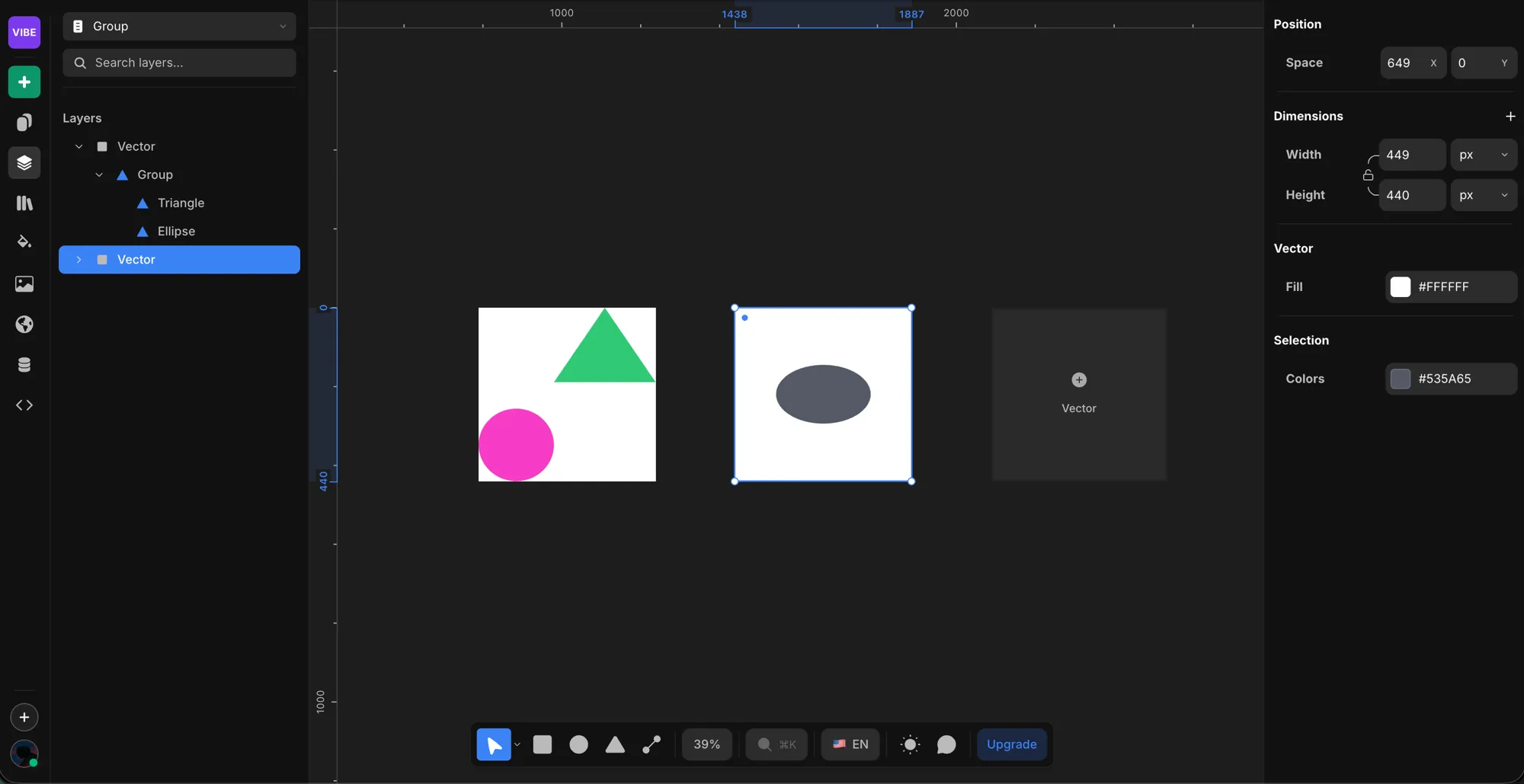
Add icon variants
Once you're inside an icon set you can create as many variants as you like — one per icon. Build out the whole collection in the set, and every icon stays in sync as a single reusable file.
Pick an icon on the canvas
On the canvas, choose which icon shows from the Icon Set property in the right panel. Every placement draws from the same master, so you can drop the set anywhere and just pick the variant you need from the icon tool. Hit Edit to jump back into the set and change the collection.