Real-time collaboration & comments
Teammates can edit the same project at once, and you can leave comments anywhere on the canvas.
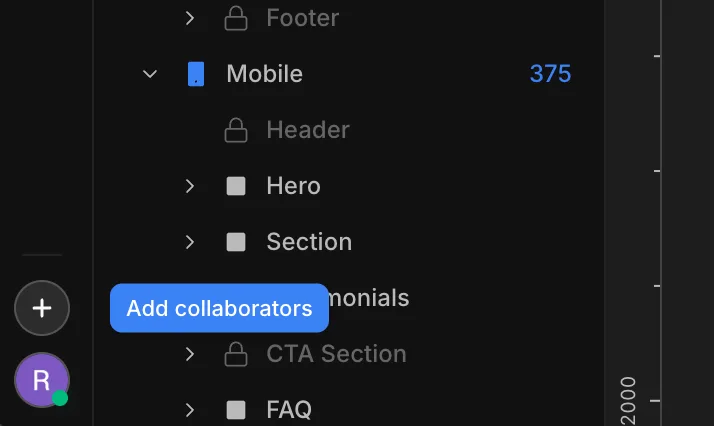
To add a collaborator to the website, use the + at the bottom-left of the builder — it opens the Collaborators modal.
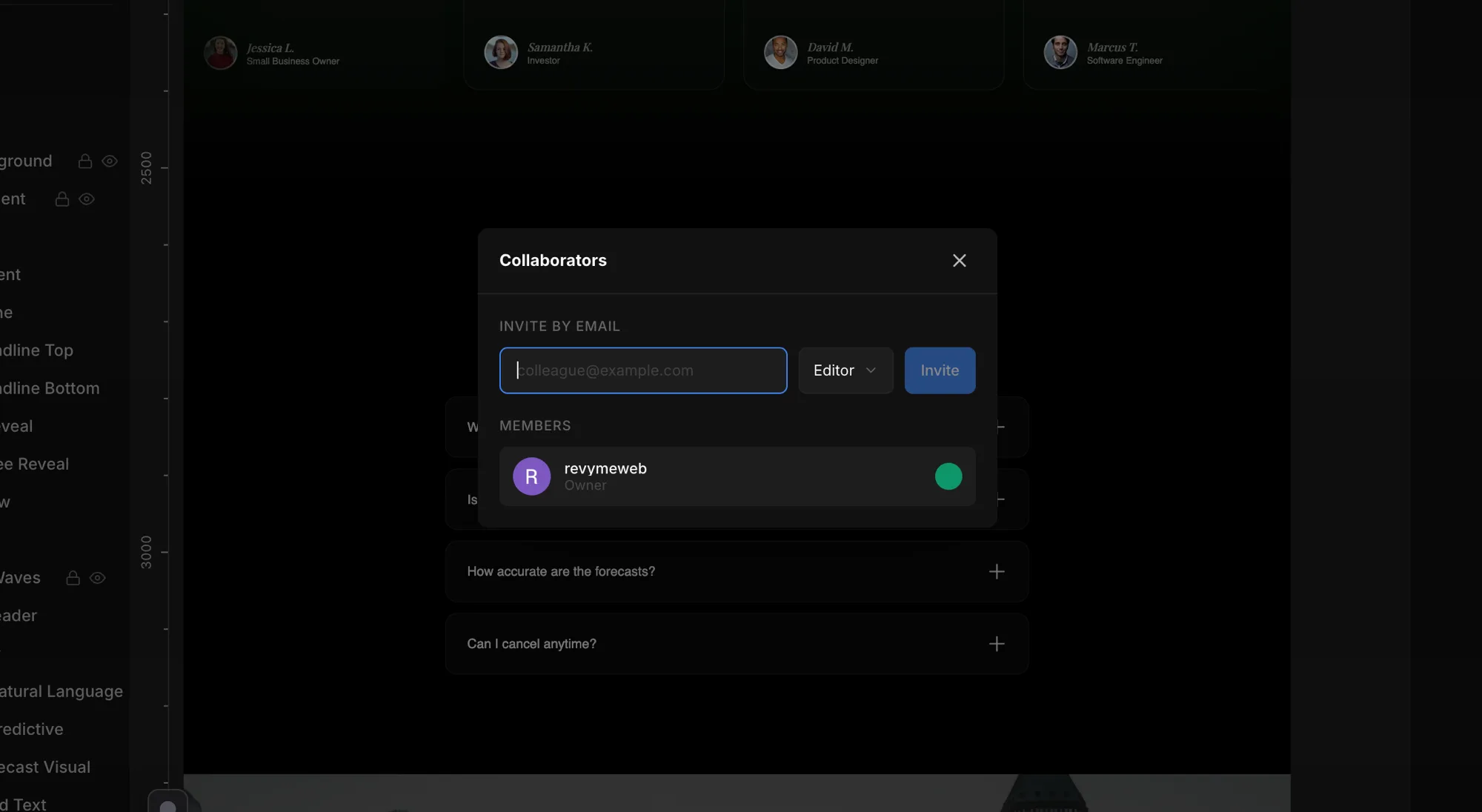
From there, the Collaborators modal lets you invite teammates by email with a role, and shows your current members and their online status.
Live editing
When others are in the project, you see them work in real time:
- Live cursors — each cursor is labelled with the person's name and color.
- Click a cursor's pill to jump to that person's view.
- Live selection — see what each person has selected.
Connection status
The header shows your connection status so you know when you are in sync.
Comments
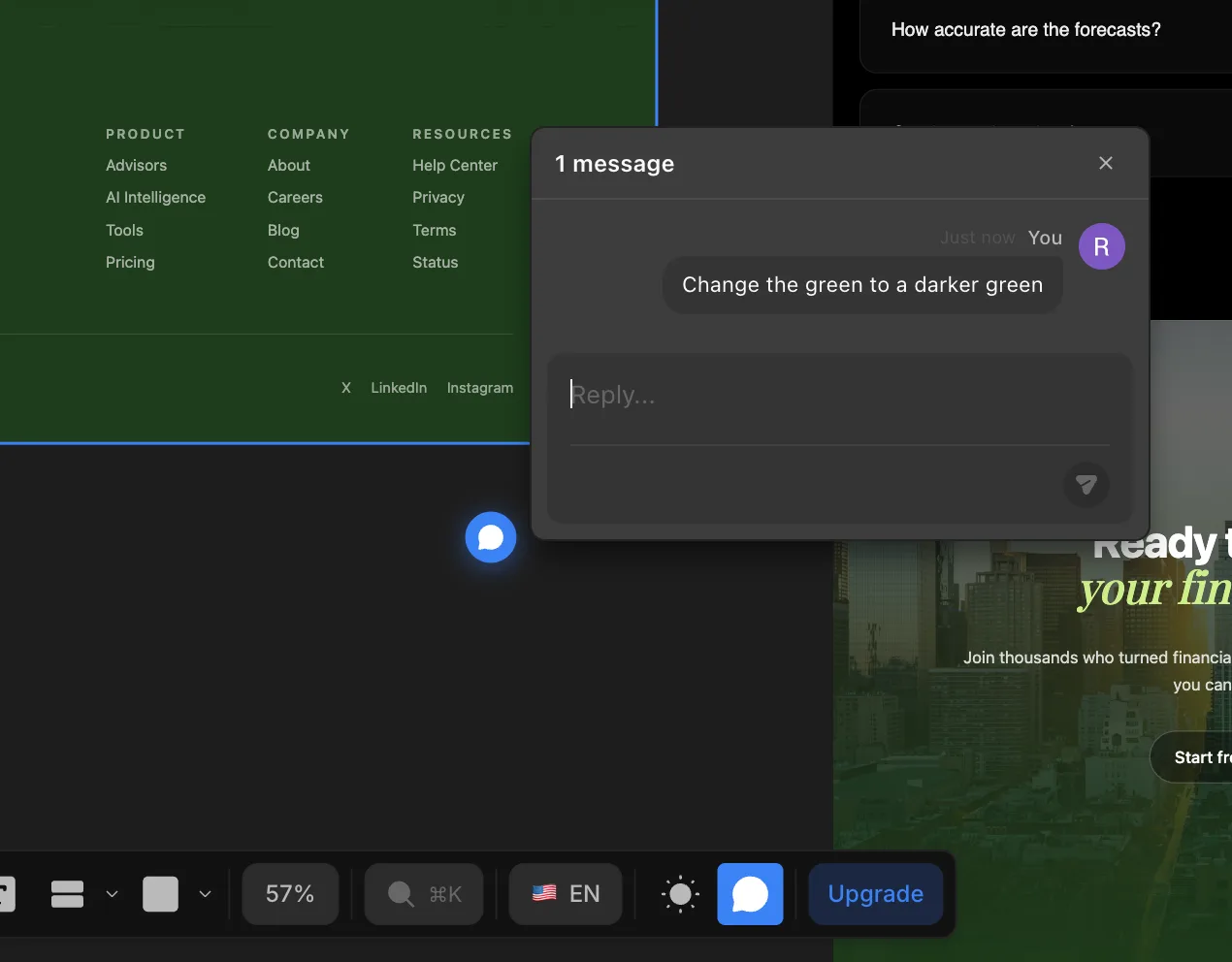
The Comment tool in the bottom toolbar lets you drop a comment anywhere, on any page — and have a live chat with the other people in the project.
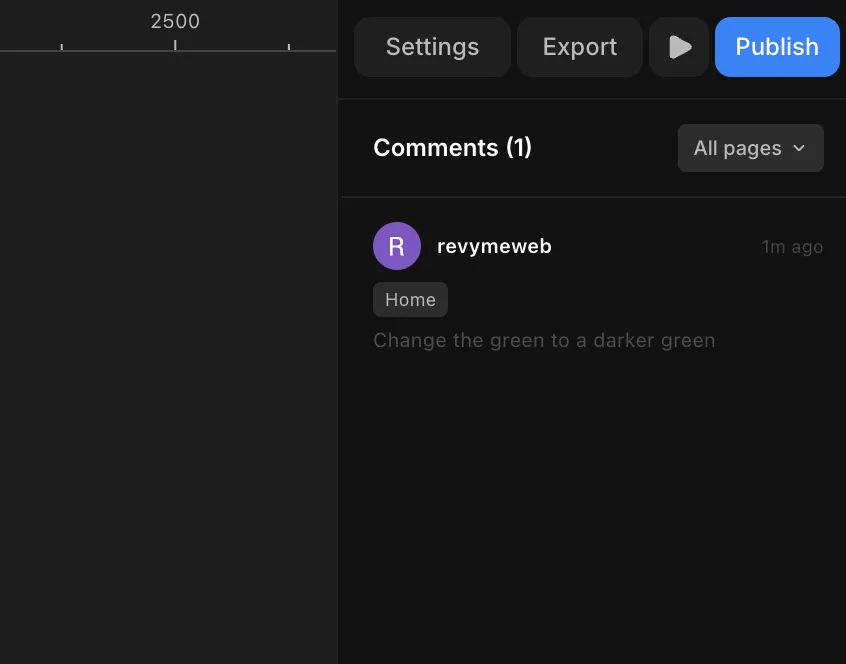
When you switch to comment mode, the properties panel turns into a list of every comment in the project. Click any one to navigate automatically to the page where that comment lives.