Import from Figma
Bring your Figma designs into Revyme with a copy and a paste. The Import to Revyme plugin reads the frame you select — layout, text, images, vectors, colors — and turns it into real, editable Revyme elements.
Get the plugin
Install Import to Revyme from the Figma Community, or find it from inside Figma: open the plugins search and type "Import to Revyme".
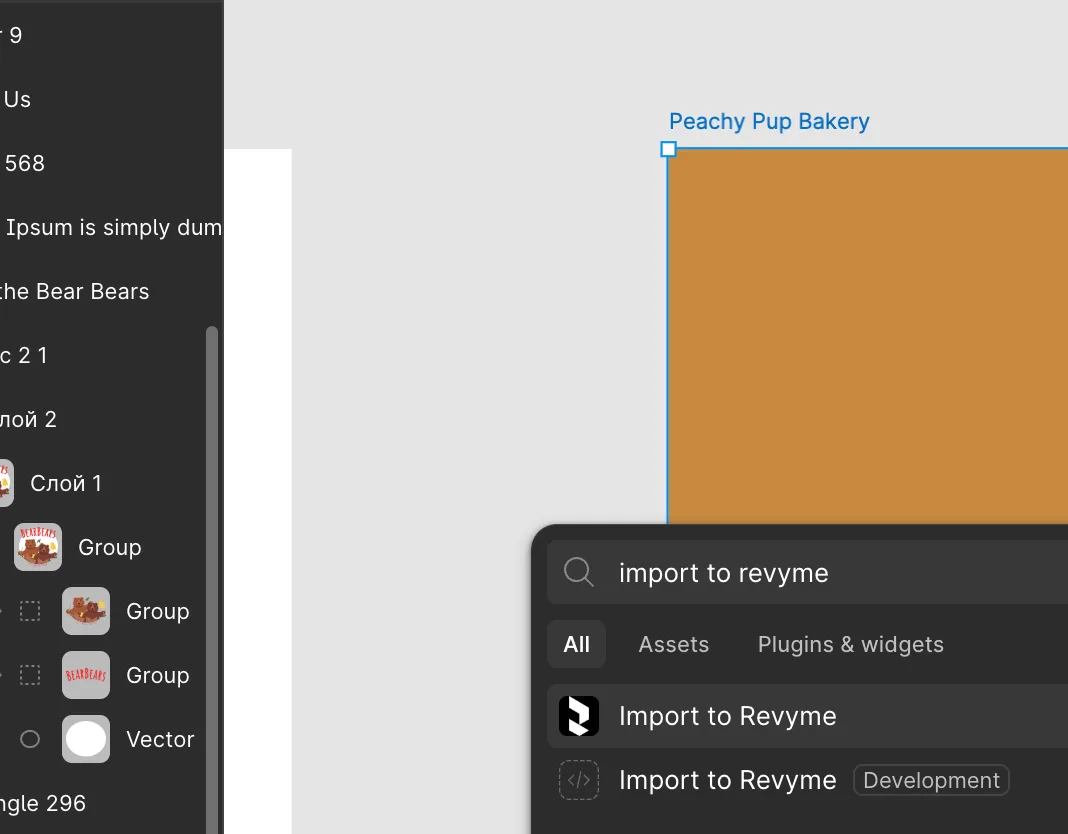
Import a design
- In Figma, select the frame you want to export.
- Launch the plugin — it walks your selection and copies the layers to your clipboard.
- Switch to Revyme and paste (⌘V / Ctrl+V) on the canvas. That's it.
The paste behaves like any native paste: elements arrive as regular frames, text, and vectors you can restyle, animate, and make responsive. Images are uploaded to your project's media storage automatically, and the fonts your design uses are loaded on the spot.
A note on fidelity — Figma's data model and the web don't always agree, so due to the complexity of how Figma structures its data, some elements may not land at 100% fidelity compared to how they look in Figma. We continuously improve the importer so every paste gets closer to pixel-perfect.