Custom domains
Your site has three address options, all under Settings → Domain.
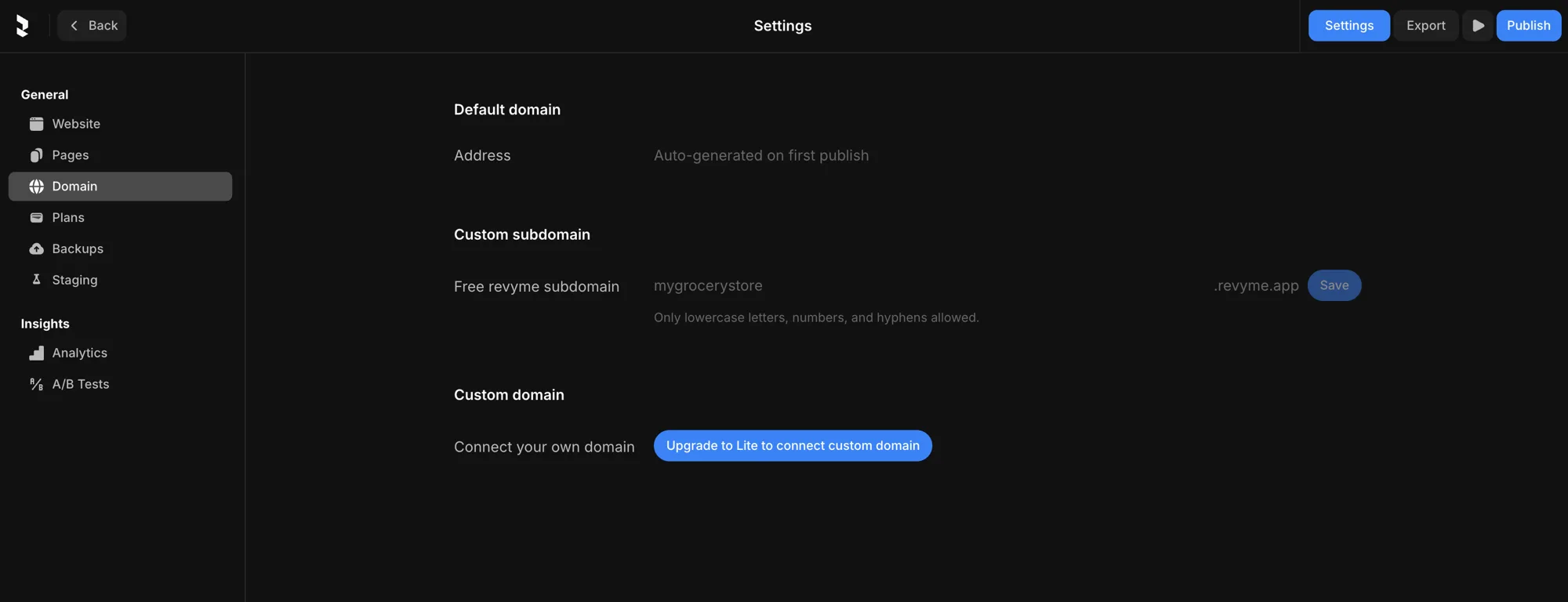
Default domain
Out of the box, your site gets an address that's auto-generated on first publish. Nothing to set up — just publish and it's live.
Custom subdomain
Claim a free Revyme subdomain, like yourname.revyme.app. Only lowercase letters, numbers, and hyphens are allowed. Type the name you want and hit Save.
Your own domain
Connect a domain you already own (e.g. example.com). (Available on Lite and up.)
- Add your domain in the Custom domain section.
- Point your DNS at Revyme — at your domain registrar, add the CNAME record Revyme shows you (apex/root domains use the record Revyme provides).
- Revyme validates the domain and provisions SSL automatically — once DNS propagates, your site is served at your address over HTTPS.
You can edit or remove a connected domain from the same panel.