Backups
A backup is a snapshot of your site, taken automatically every time you publish. Each row in the list is one successful publish you can roll back to.
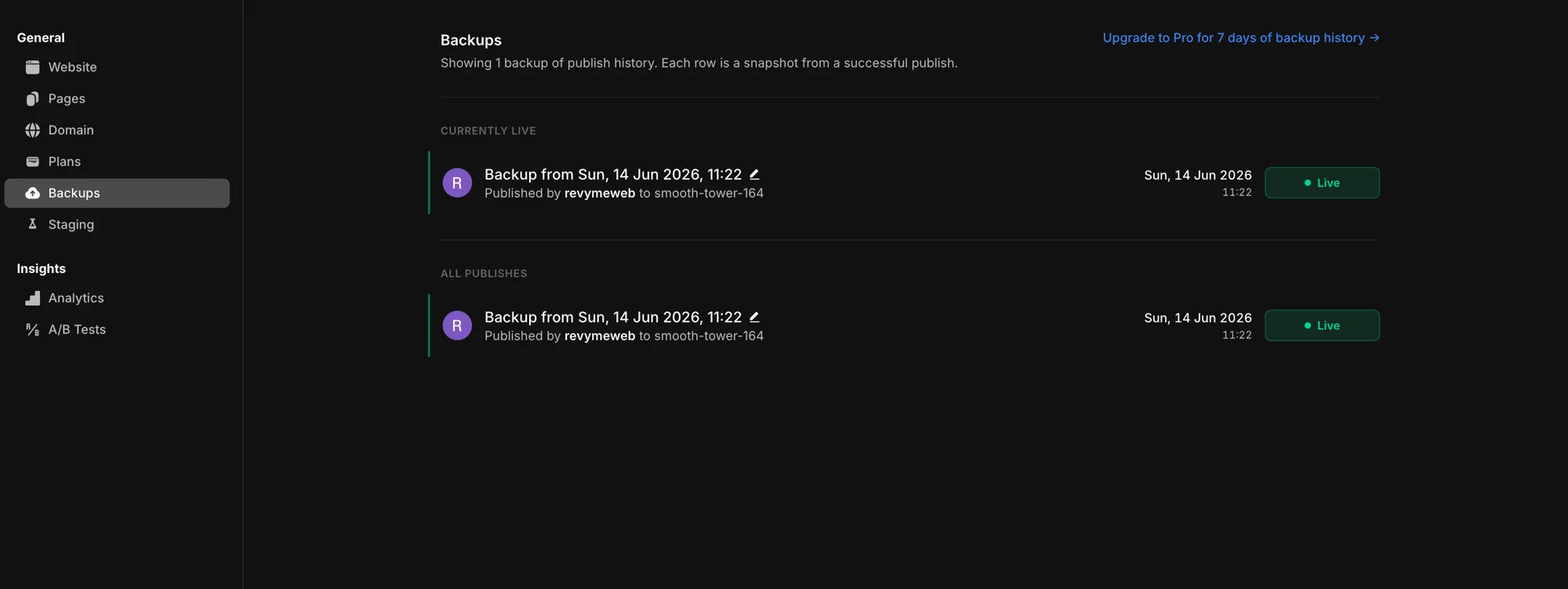
Find it under Settings → Backups.
Restore
From any snapshot you can restore:
- the editor state — roll your project back to that point in the editor, or
- the live site — roll the published deployment back to that snapshot.
Details
- Every publish creates a backup — you don't have to think about it.
- How far back your history goes depends on your plan (for example, Pro keeps 7 days of history).
- You'll see "No backups yet" until your first publish creates one.