Team & members
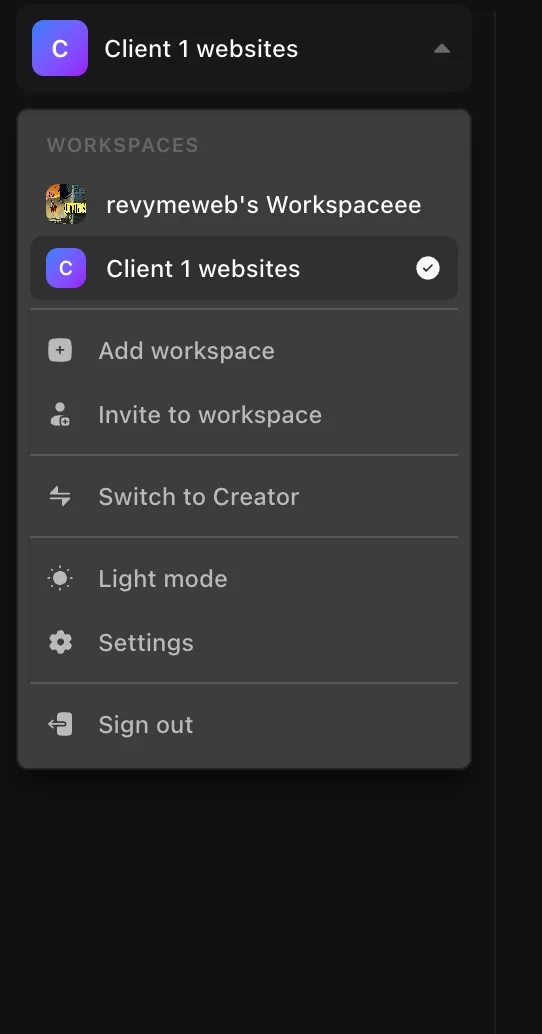
A workspace is a self-contained space with its own websites, members, billing, credits, and fonts. You can belong to several workspaces and switch between them — or create a new one at any time — and everything in one workspace stays completely separate from the others.
Members
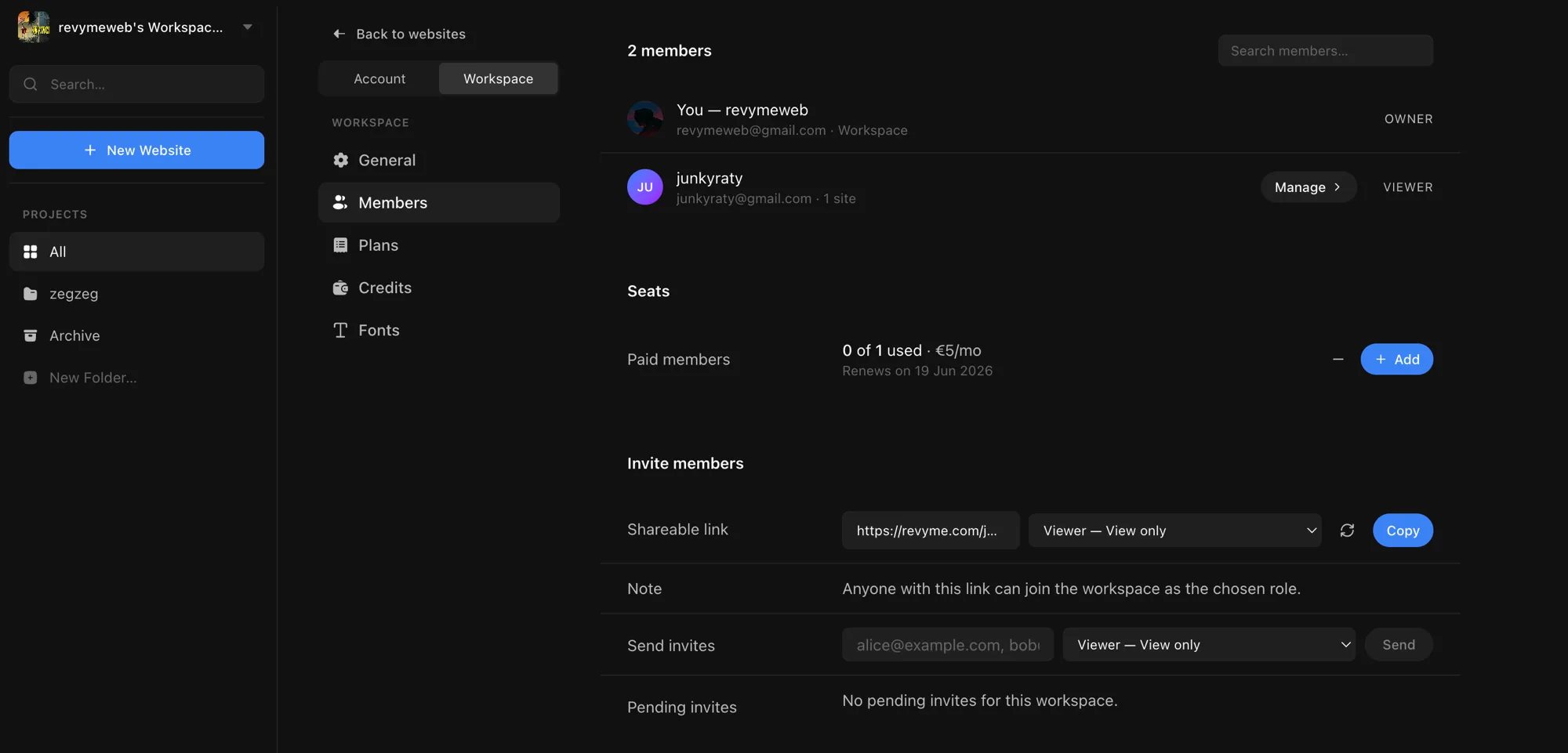
Manage everyone in a workspace from Settings → Workspace → Members. You can see who's in the workspace, what role they have, buy seats, and invite more people.
Roles
| Role | Can do | Seat |
|---|---|---|
| Owner | Full control, including members and billing. | Free |
| Admin | Edit everything, plus manage members, billing, and workspace settings. | Paid |
| Editor | Create and publish projects — no workspace management. | Paid |
| Viewer | View only — can't edit. | Free |
You can give an Editor or Viewer access to the whole workspace or just specific sites; Admins always have the whole workspace.
Inviting people
Two ways, both on the Members page (owners and admins only):
- Shareable link — pick a role, copy the link, and anyone who opens it joins the workspace with that role. Regenerate the link any time to revoke the old one.
- Email invites — enter one or more email addresses, pick a role, and send. Pending invites are listed below until they're accepted, and you can revoke any of them.
Use Manage on a member to change their role or which sites they can access, or to remove them.
Seats
Editors and admins each take a paid seat — €5 per editor/admin per month. Viewers are free, and so is the owner. Seats are per workspace.

The Seats row shows how many are used of how many you've bought (e.g. "0 of 1 used · €5/mo") and when the subscription renews. Buy your first seat with + Add seat (a one-time card setup), then use + Add and − to change the count later. Billing is prorated, so adding a seat charges immediately and removing one is credited back — and you can't drop below the number of seats currently in use.