Scroll effects & parallax
Revyme has several scroll-driven effects. Each one ties motion to the scroll position in a different way - fade things in and out, move them at parallax speed, or drive a full transform as you scroll. As with every animation, opening an effect's popup shows a live preview of the target styles.
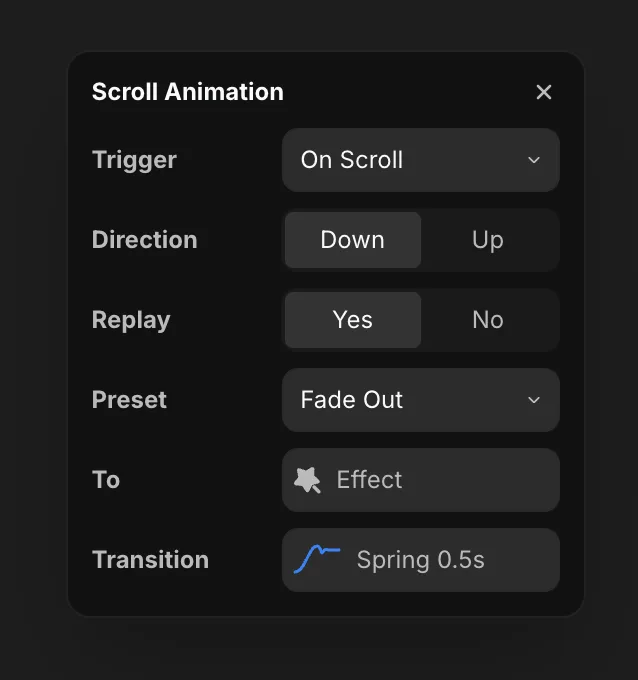
Scroll animation
The simplest scroll effect: as you scroll down or up, the element appears or disappears. Pick a direction, choose a preset (like Fade Out), and the element plays that effect on scroll - turn on Replay to run it again every time it re-enters view.
Scroll speed (parallax)
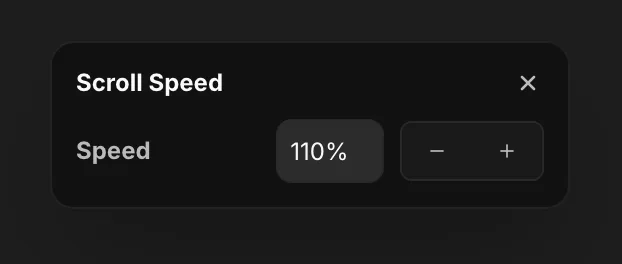
Scroll speed is the parallax effect - the layer moves at a different rate than the page as you scroll.
- A positive value sends the layer up (faster than the page).
- A negative value sends it down (slower than the page).
Scroll transform
Scroll transform animates the element from an initial state to a final state as you scroll - set a From effect and a To effect, and the element interpolates between them across the scroll range.
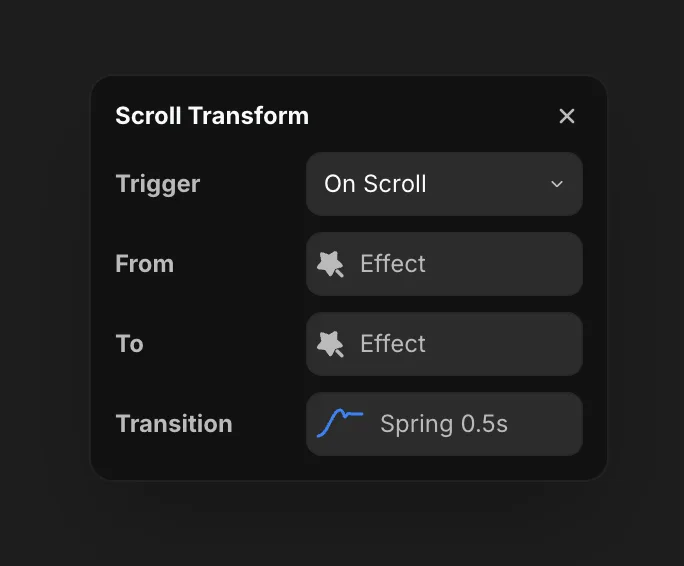
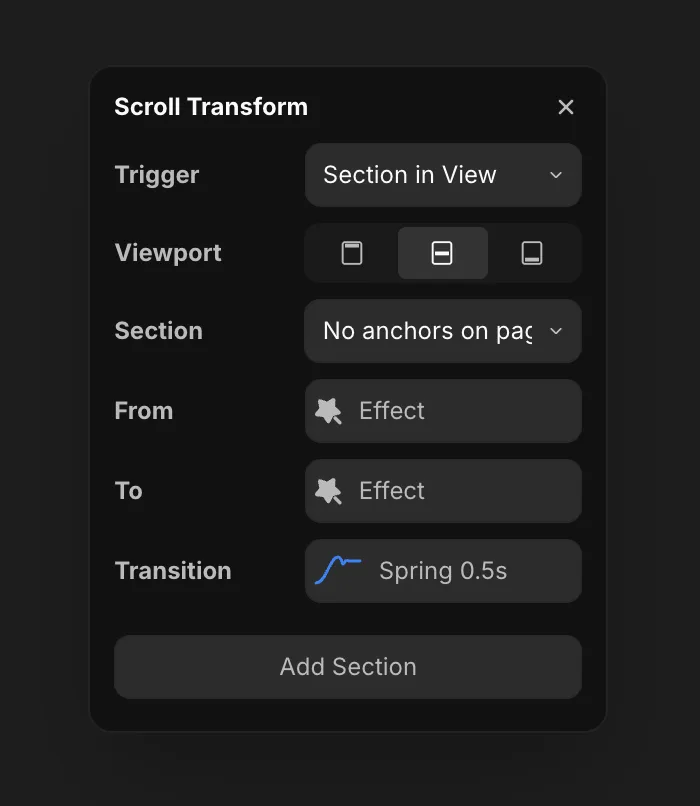
The Trigger dropdown picks what drives that progress - Layer in View or Section in View.
Layer in view mode
In Layer in View mode, the progress is driven by the layer itself - the very element you're animating. As that layer scrolls into and through the viewport, it interpolates From → To based on its own position. This is the simplest mode: no separate anchor to set up, the element just transforms as it passes through view.
Section in view mode
Switch the trigger to Section in View and scroll transform becomes anchor-driven. You add anchors tied to sections on the page: when the element reaches a section in view, it animates to that section's To effect. Because you can chain unlimited anchors, the element keeps re-transforming section by section - a new From/To at each one - so a single element can morph all the way down the page. Use Add Section to add another anchor.
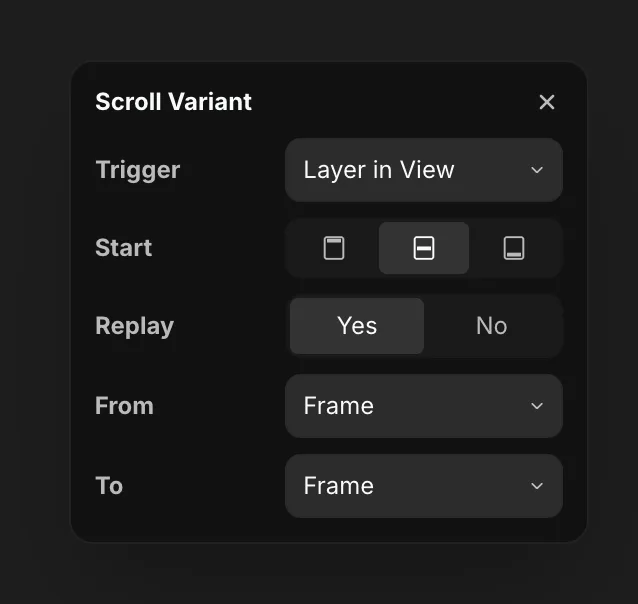
Scroll variant
Scroll variant is available on component instances only. It works like scroll transform, but instead of just interpolating styles it switches the component's variant as you scroll - playing the full variant animation between the From and To variants.