Layout templates
You can create a template and add it to your pages to reuse it. Drop one on a page by selecting the viewport, and it stays centralized — edit it once and every page using it updates, just like a component.
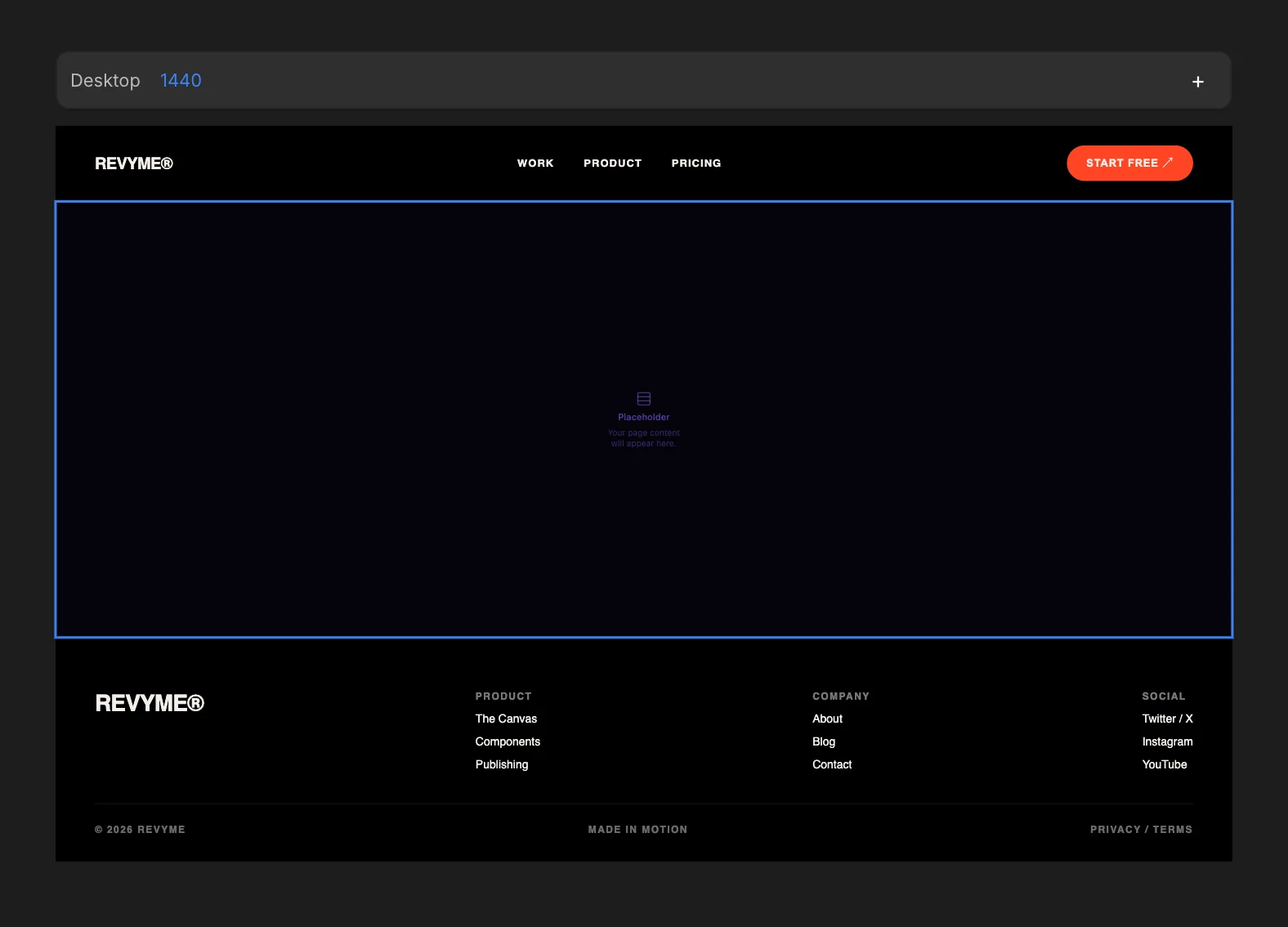
A layout template is a header and footer that wrap your page content, with your content flowing into the placeholder between them. That makes it perfect for site-wide chrome like headers and footers.
Add a template to a page
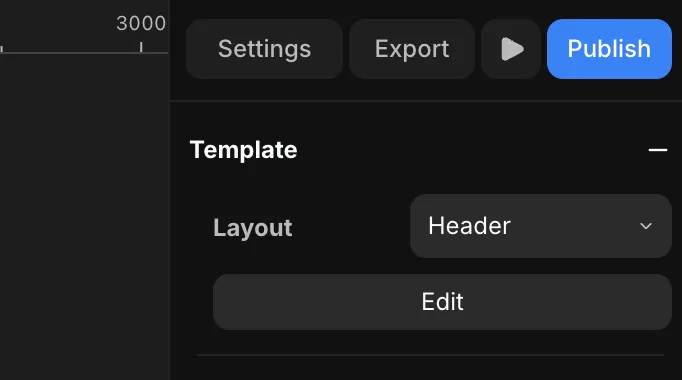
Select the viewport and press + on the Template section in the right panel to choose a layout template and apply it to that viewport. Once applied, the Template section shows the chosen Layout — hit Edit to jump into the template and change it everywhere it's used.