Creating components
Introduction
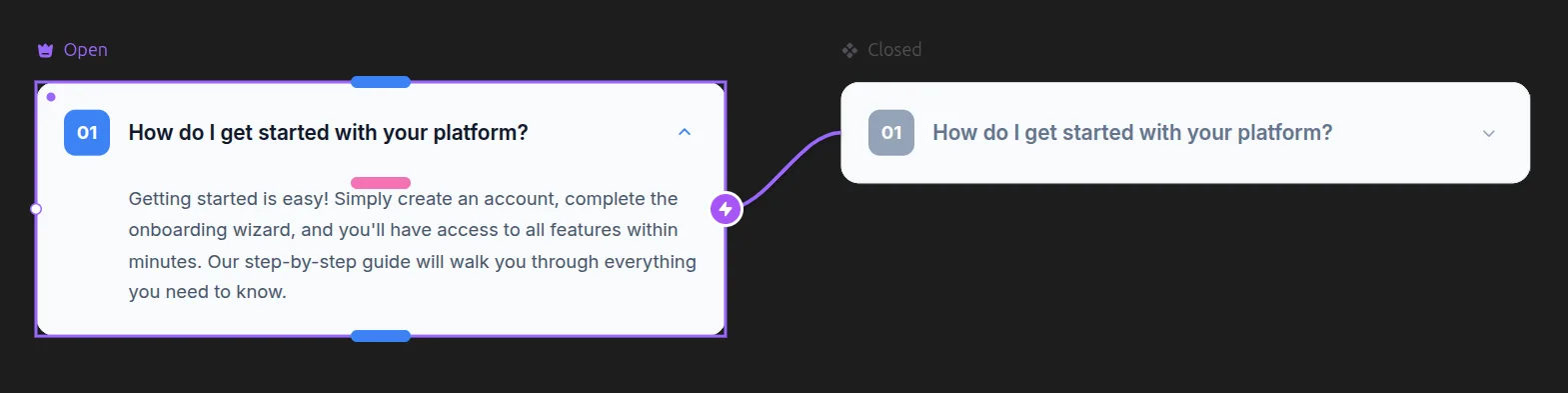
Components are reusable elements that are extremely versatile and can be used in various ways.
Typically used for headers, footers, and buttons, you can also be creative and create various types of original elements through the power of components.
Create a Component
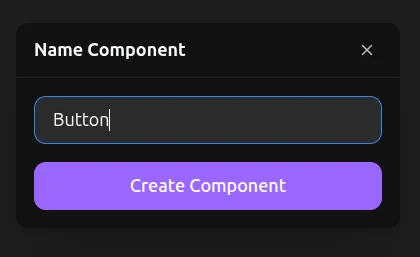
To create a component, right-click on a frame or text that is in Desktop or an original variant inside a component (to create a nested component), and click the Make Component button. This will turn your selection into a component.
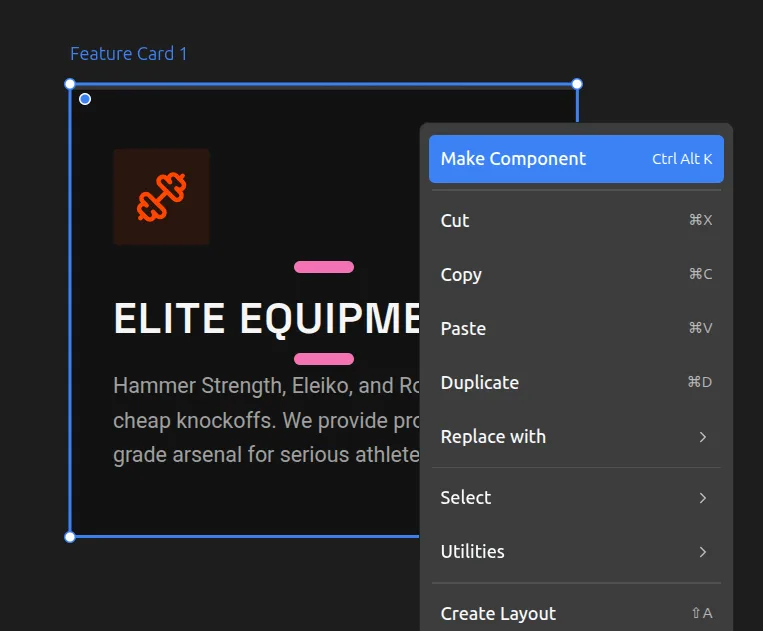
You can also use Ctrl + Alt + K shortcut on a selection to do the same. If nothing is selected, it will create a new component with default frame settings.
Using Components
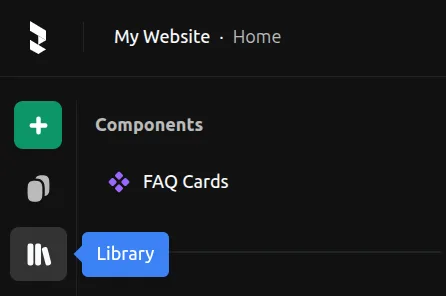
Find your components in the Library panel on the left menu. Drag them from the panel onto your canvas to create an instance of the component.