
Variant animation
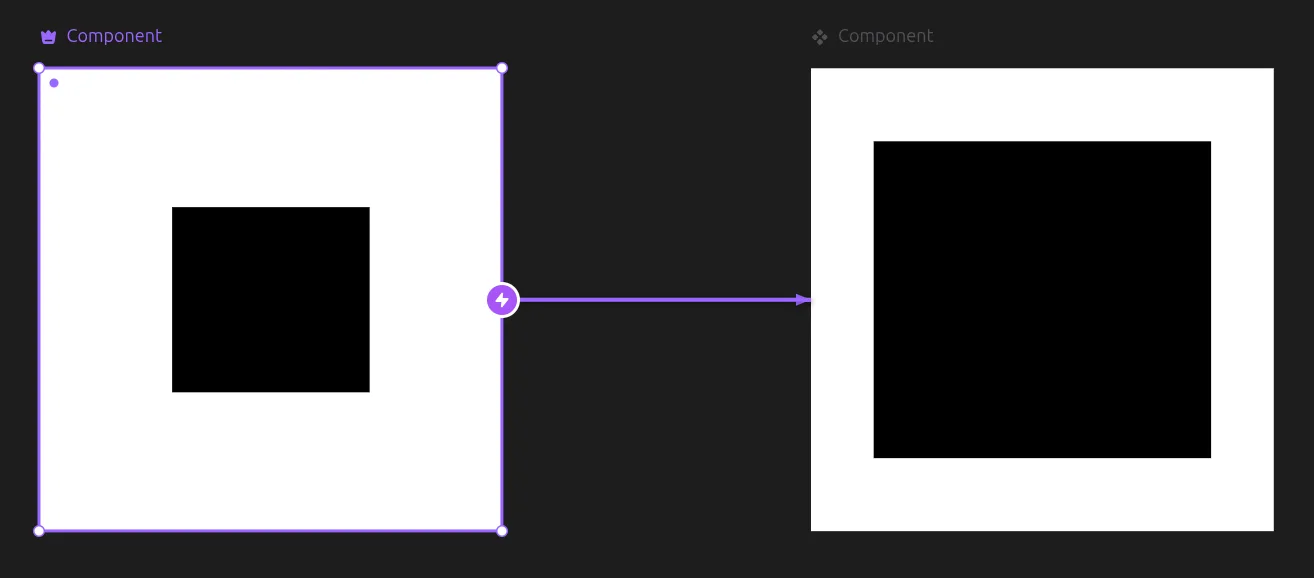
To understand variant animation, here is a simple example: you have Variant 1 with a click connection to Variant 2. When you click on Variant 1, the black box will smoothly animate to its bigger height and width dimensions in Variant 2.
Transitions
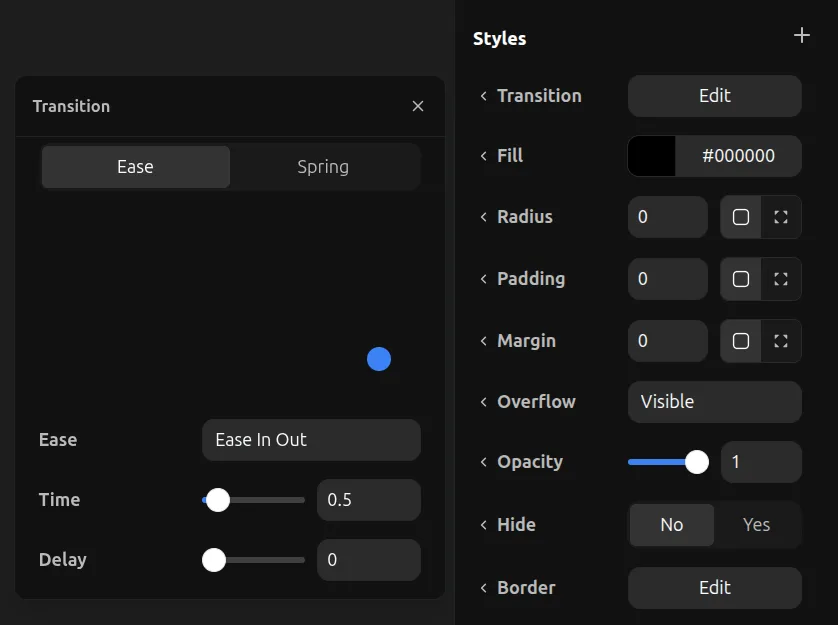
You can control how elements transition during the variant animation by checking the Styles tool for the element and setting the transition settings on it.
The system works like this: when you set a transition on a parent, all its children will automatically inherit that transition unless there is a different transition setting on the child itself to override it.
When you set a transition on Variant 2's black box for example, it means when the element animates TO that variant, it will use that transition setting.