
Adding a layout
Layouts control how child elements are arranged inside a frame.
Adding a Layout
To add a layout to a frame:
- Create or select a frame
- In the right toolbar, find the Layout section
- Click the + button to add a layout
- Choose Flex or Grid
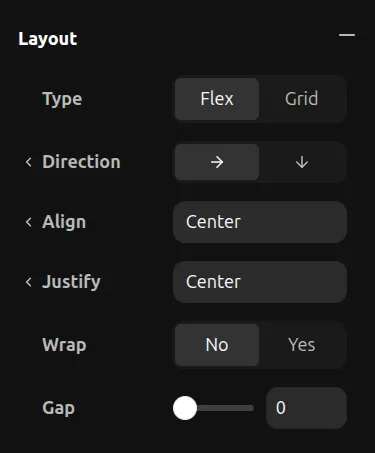
When adding a layout to a frame with no layout, all children will get position: relative and become flex/grid children.
Removing a Layout
To remove a layout, click the - button in the Layout section.
When removing a layout, all children will lose their position: relative and become absolutely positioned instead.