
Frames
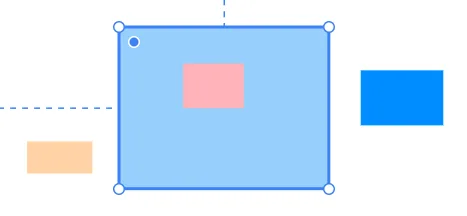
Frames are the fundamental building blocks of your design. They act as containers that hold and organize all your content—text, images, other frames, and more.
What Are Frames?
Think of frames as boxes that can contain anything. Every section, card, button, and layout in your website is built with frames. They're similar to <div> elements in HTML.
Frames can:
- Hold other elements inside them
- Control how their children are arranged (layout)
- Be nested inside other frames
Creating Frames
Using the Frame Tool
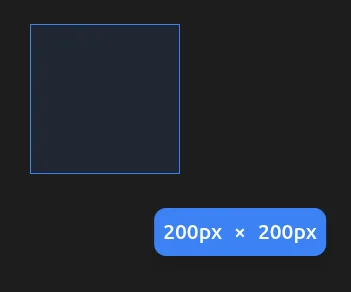
- Press F on your keyboard to activate the Frame tool
- Click and drag on the canvas to draw a frame
- Release to create the frame

From the Insert Menu
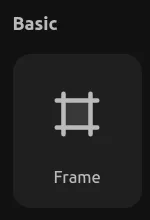
- Click the + button in the left panel
- Go to Elements
- Drag a Frame onto the canvas
Drawing Inside Frames
When you draw a new element while hovering over a frame, it automatically becomes a child of that frame. This creates a parent-child relationship:
- The parent frame controls the layout of its children
- Child elements are positioned relative to their parent
- Moving the parent moves all children with it
To draw inside a frame:
- Select your drawing tool (Frame, Text, or Shape)
- Hover over an existing frame
- Click and drag to create the element inside
Grouping Elements with Frames
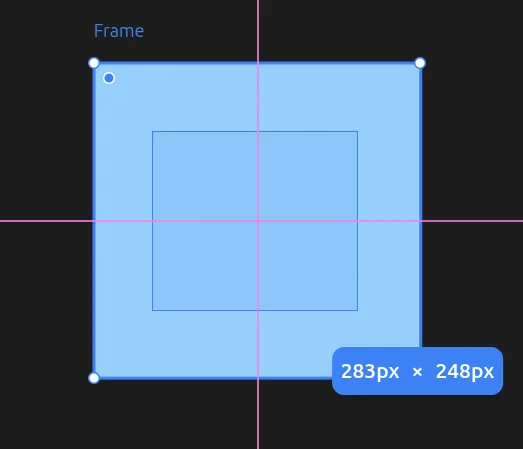
You can draw a frame over existing elements to group them together. When you draw a new frame that encompasses other elements, those elements automatically become children of the new frame.
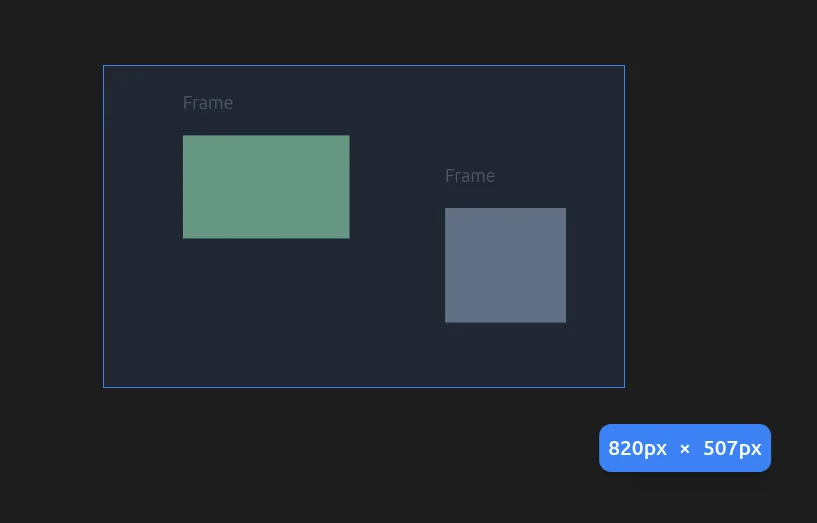
To group existing elements:
- Press F to activate the Frame tool
- Draw a frame that covers the elements you want to group
- The covered elements become children of the new frame