
Elements
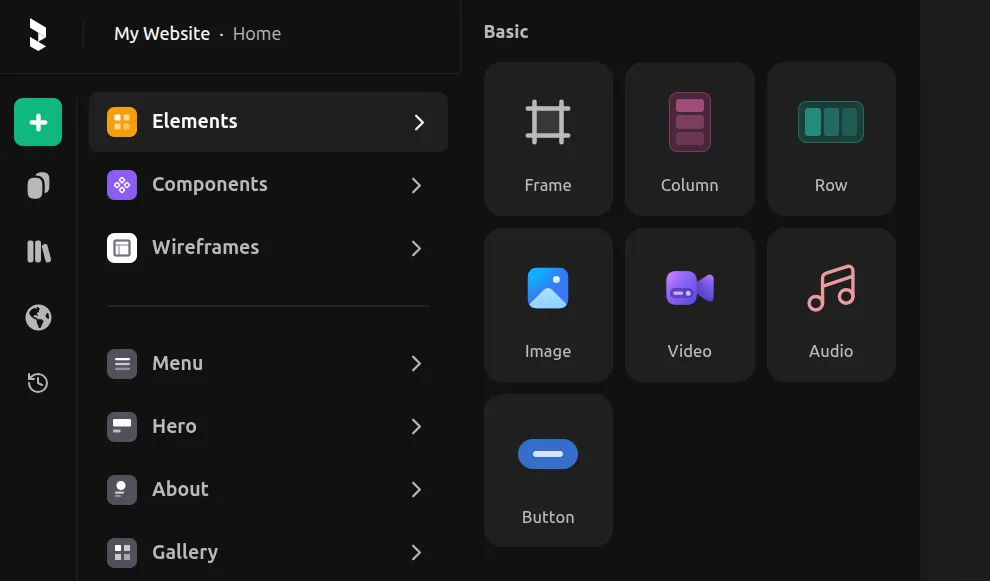
In the Insert Menu (opened with the + button), you can find various elements to add to your design:
- Image, Video, Audio — Media elements for visual and audio content
- Pre-configured frames — Ready-to-use layout structures like rows and columns
- Text sections — Pre-built combinations of frames and text for common patterns
Images and Videos
An Image element is essentially a frame with a background image. You can also add an image as a background to any frame using the Fill tool in the right toolbar.
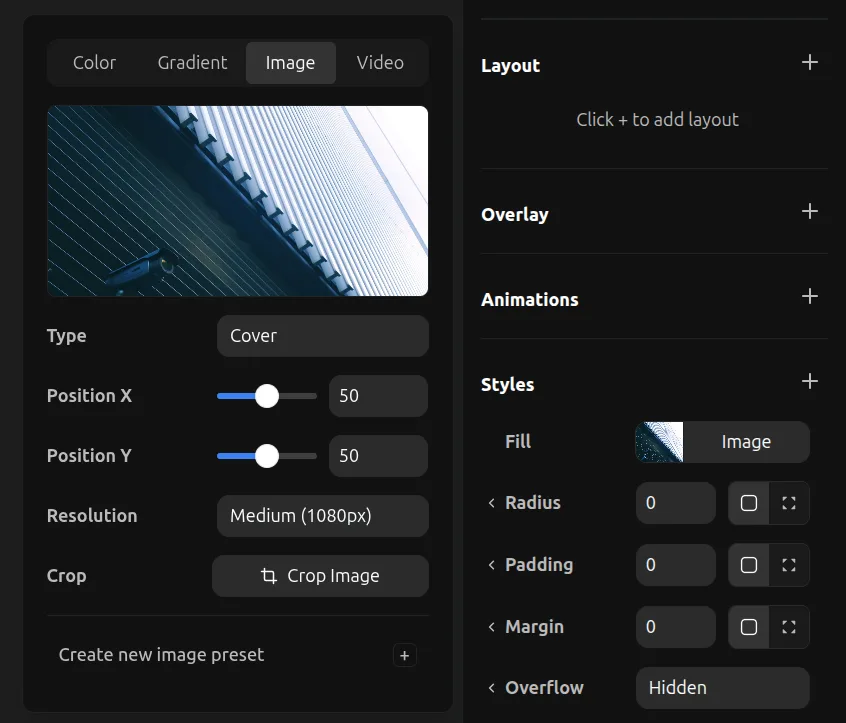
You can add a Video as a background on any frame as well. Background videos automatically autoplay and loop silently.
The Video element from the Elements tab is different — it's a customizable video player with controls, allowing viewers to play, pause, and scrub through the video.