
Web cursors
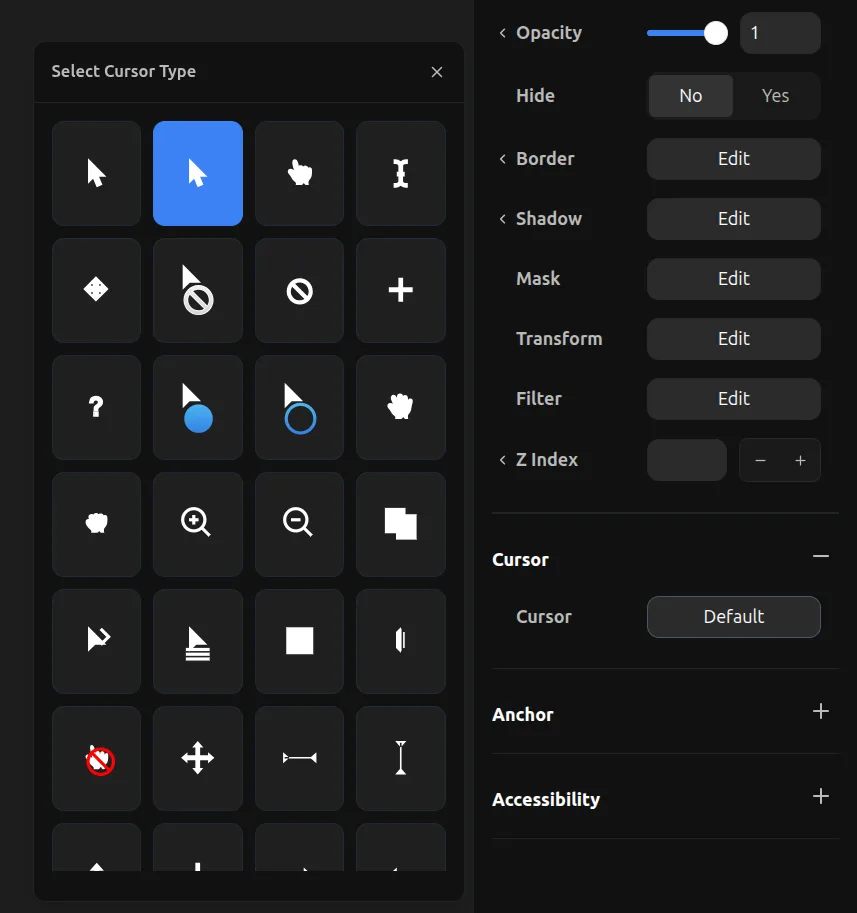
Web cursors use standard CSS cursor styles. Select from a variety of built-in cursor types including pointer, grab, text, crosshair, zoom in/out, and many more. These cursors are native to the browser and work across all devices.
To set a web cursor:
- Select an overlay element
- Expand the Cursor section in the properties toolbar
- Click on the cursor dropdown to open the cursor type selector
- Choose from the available cursor options