
Transition
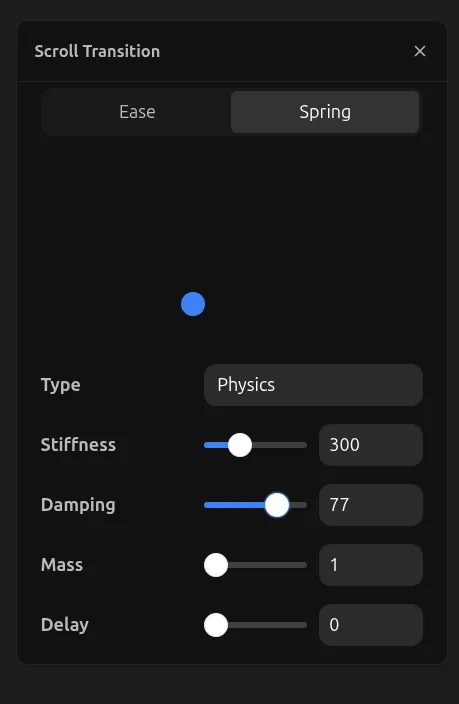
Transition settings can be found throughout the builder in various tools, including all animation types. They control how the animation feels — the timing, speed, and character of the motion.
The blue ball preview shows how your animation will play, giving you a visual representation of the easing curve.
Controls
- Duration — How long the animation takes to complete (in seconds)
- Easing — The acceleration curve that defines how the animation progresses
Easing Types
- Linear — Constant speed from start to finish
- Ease In — Starts slow, accelerates toward the end
- Ease Out — Starts fast, decelerates toward the end
- Ease In Out — Starts slow, speeds up in the middle, slows down at the end
- Spring — Natural bouncy motion that overshoots and settles