
Setting Up Links
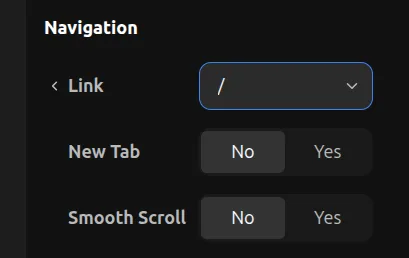
When you select any element, you have the Navigation tool available in the properties toolbar. Here you can choose an existing page to link to, or enter a direct URL for an external link.
Section Scroll
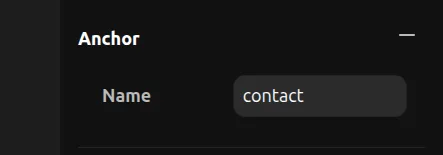
On each element, you have an Anchor tool in the properties panel where you can give a name to that section. Think of it as the id="name" attribute in HTML.
After you set up an anchor, you can go to another element and select a link to the page where that anchor is. You will then have a menu of available anchors to scroll to.
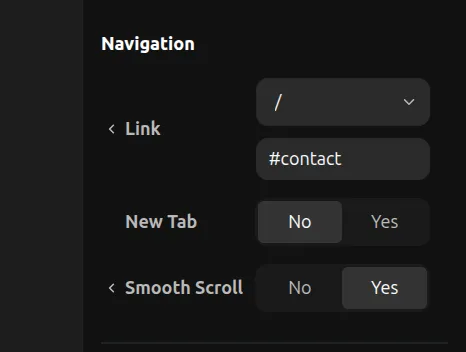
You can enable smooth scroll behavior in your site settings, which works well together with anchor scrolls for a polished navigation experience.