
The Best 3D Websites on the Web in 2026
The web has evolved from static pages to immersive 3D experiences. Thanks to technologies like Three.js and WebGL, designers and developers are creating websites that feel more like video games than traditional web pages.
Here are the best 3D websites that are pushing the boundaries of what's possible in the browser.
1. Bruno Simon — The Interactive Portfolio That Went Viral
URL: bruno-simon.com
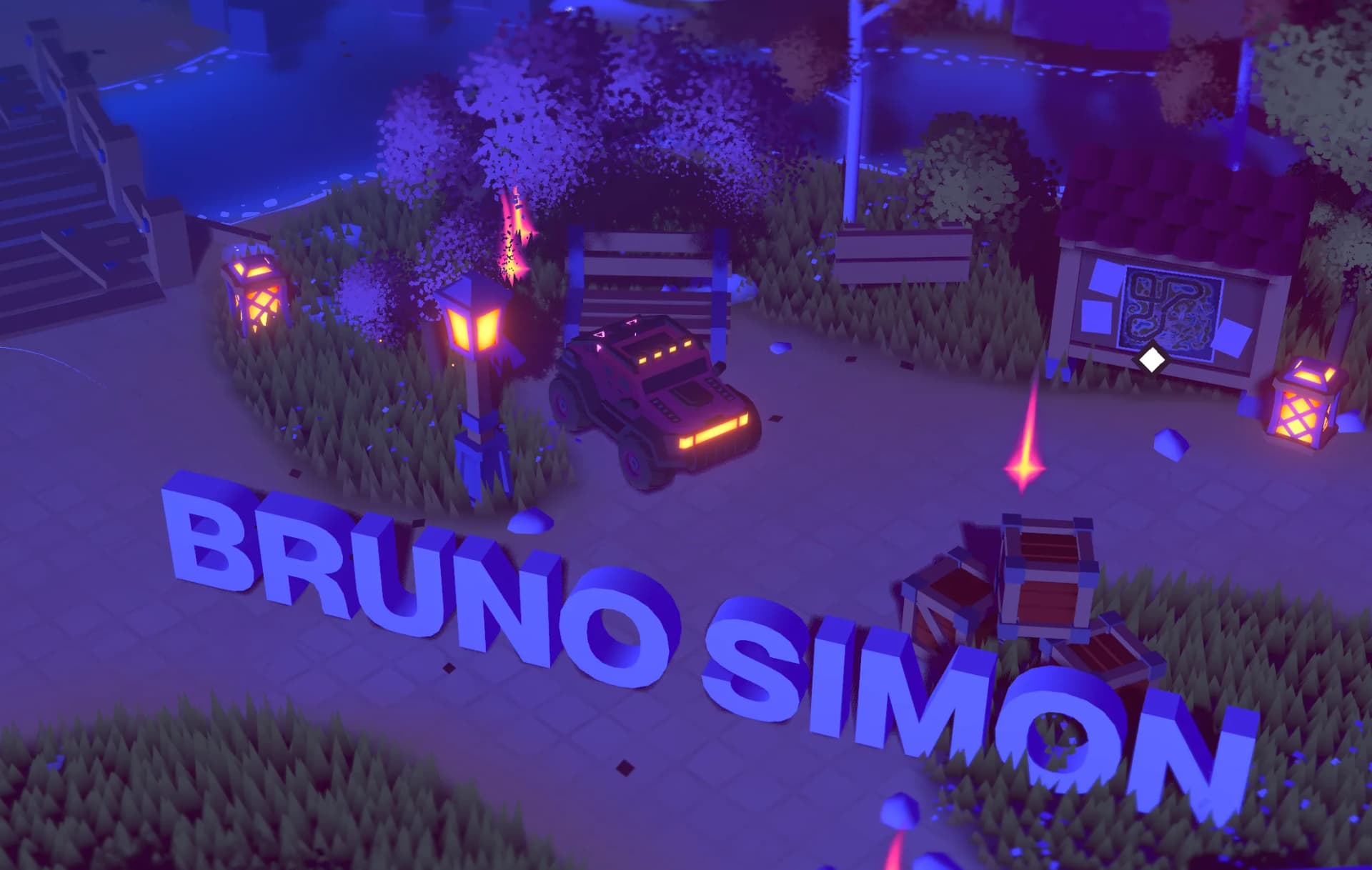
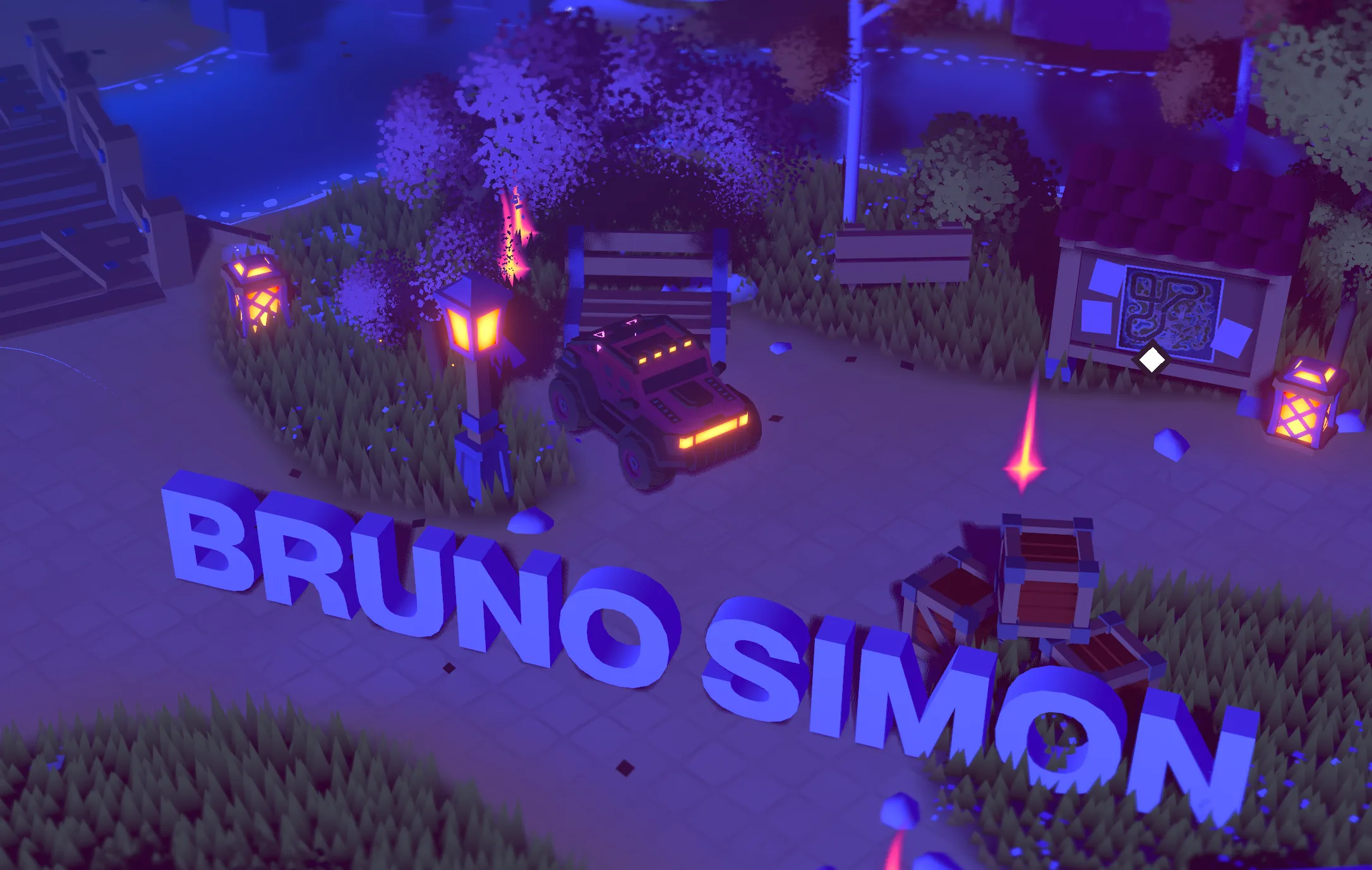
Bruno Simon's portfolio is legendary in the web development community. Instead of a traditional portfolio, he built a 3D world where you drive a car to explore his work.
What Makes It Special
- Full 3D environment built entirely in the browser
- Physics-based interaction — the truck responds to clicks, gravity, and momentum in real-time
- Play-to-explore navigation — you "drive" to different sections instead of clicking
- Secrets and easter eggs hidden throughout the world
Technical Stack
- Three.js for 3D rendering
- Cannon.js for physics simulation
- Custom WebGL shaders for visual effects
Awards & Recognition
- Site of the Year 2019 on Awwwards
- Site of the Month November 2019 on Awwwards
- Over 400,000 visitors in the first few weeks
Bruno's portfolio proves that your personal website can be a playground, not just a resume.
2. Active Theory — A Studio Site That's Actually an Engine
URL: activetheory.net
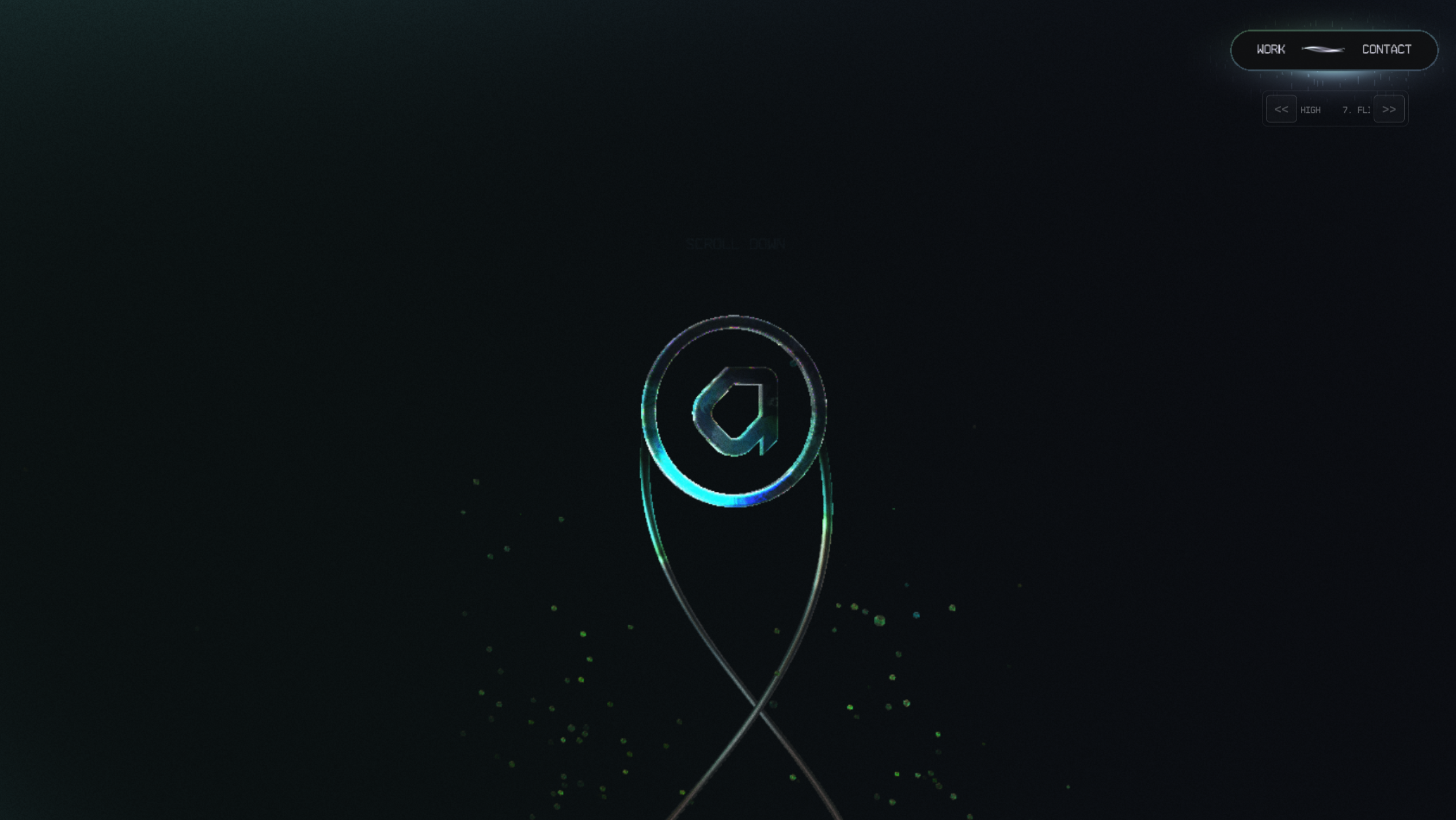
Active Theory, a Venice Beach creative studio, doesn't just showcase their work — they built their entire portfolio as a 3D game engine running in your browser.
What Makes It Special
- Real-time rendered worlds — everything is rendered like a game, controlled via cursor, scroll, and drag
- Neon-lit 3D environments inspired by their LA and Amsterdam offices
- AI chat navigation that actually guides you around the portfolio
- Particle effects and glowing trails that react to your mouse
Technical Stack
- Hydra 3D Engine — their proprietary framework built in-house
- WebGL shaders for neon effects and particle systems
- Draco compression for fast mesh loading
- Videos lazy-load after
requestIdleCallbackfor performance
Performance
Despite heavy 3D graphics, the site loads in ~1.3s on desktop and 1.7s on 4G. This is optimization done right.
Active Theory's homepage isn't a website — it's an experience.
3. Lusion — Experimental WebGL Mastery
URL: lusion.co
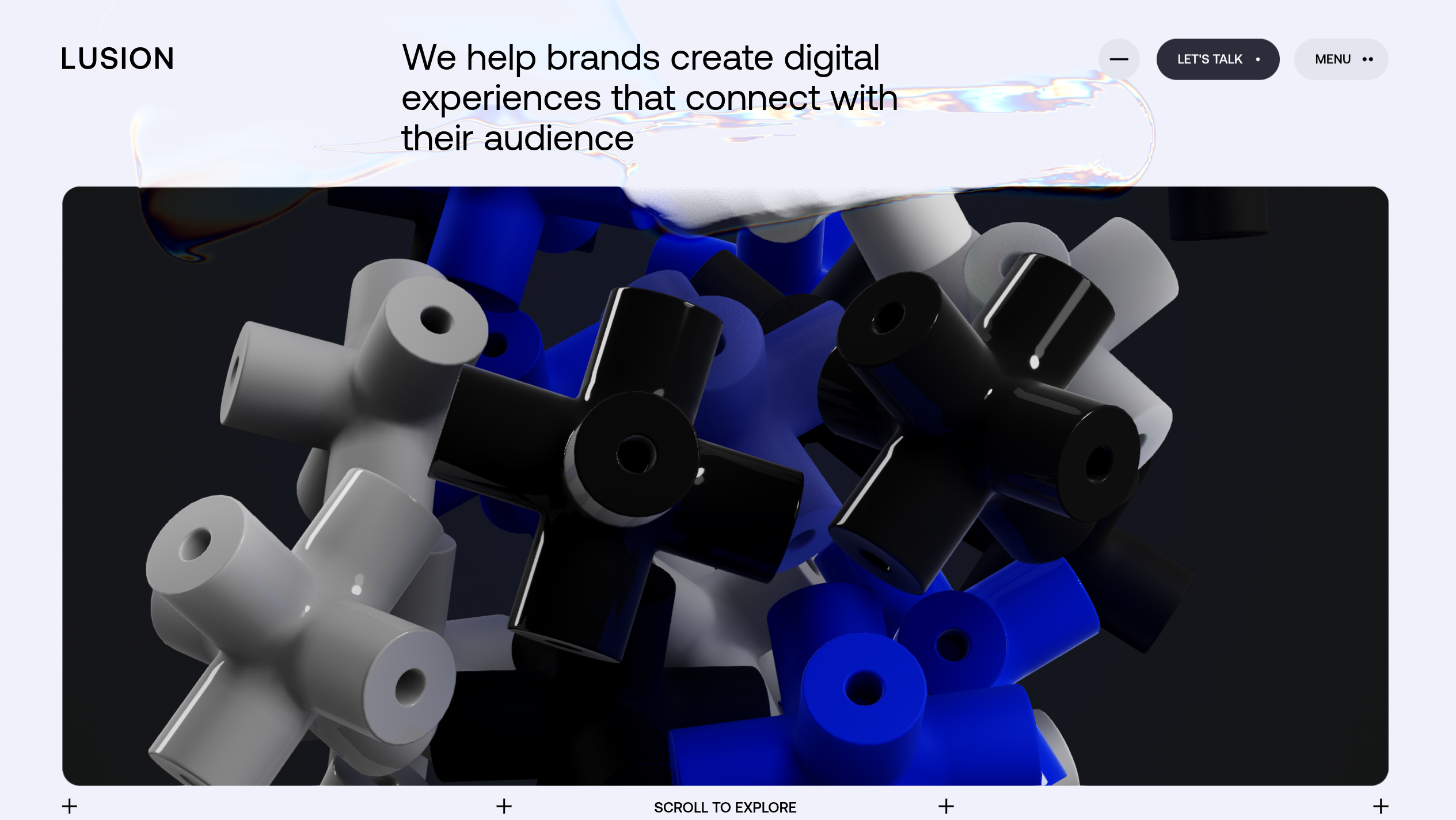
Lusion is a digital studio focused on real-time animations. Their portfolio took them a year to build, and it won Site of the Month on Awwwards.
What Makes It Special
- Generative animations that are different every time you visit
- Cloth simulations showing fabric physics in the browser
- Scroll-based 3D navigation that feels smooth and intentional
- Fullscreen WebGL scenes with no traditional UI
Technical Stack
- Three.js for all WebGL scenes
- Houdini FX for pre-visualization and animation design
- Real-time rendering instead of pre-recorded videos
Philosophy
Lusion built their site to demonstrate what they can do in real-time — no well-staged videos, just live WebGL pushing the browser to its limits.
4. Species in Pieces — Interactive Infographic Art
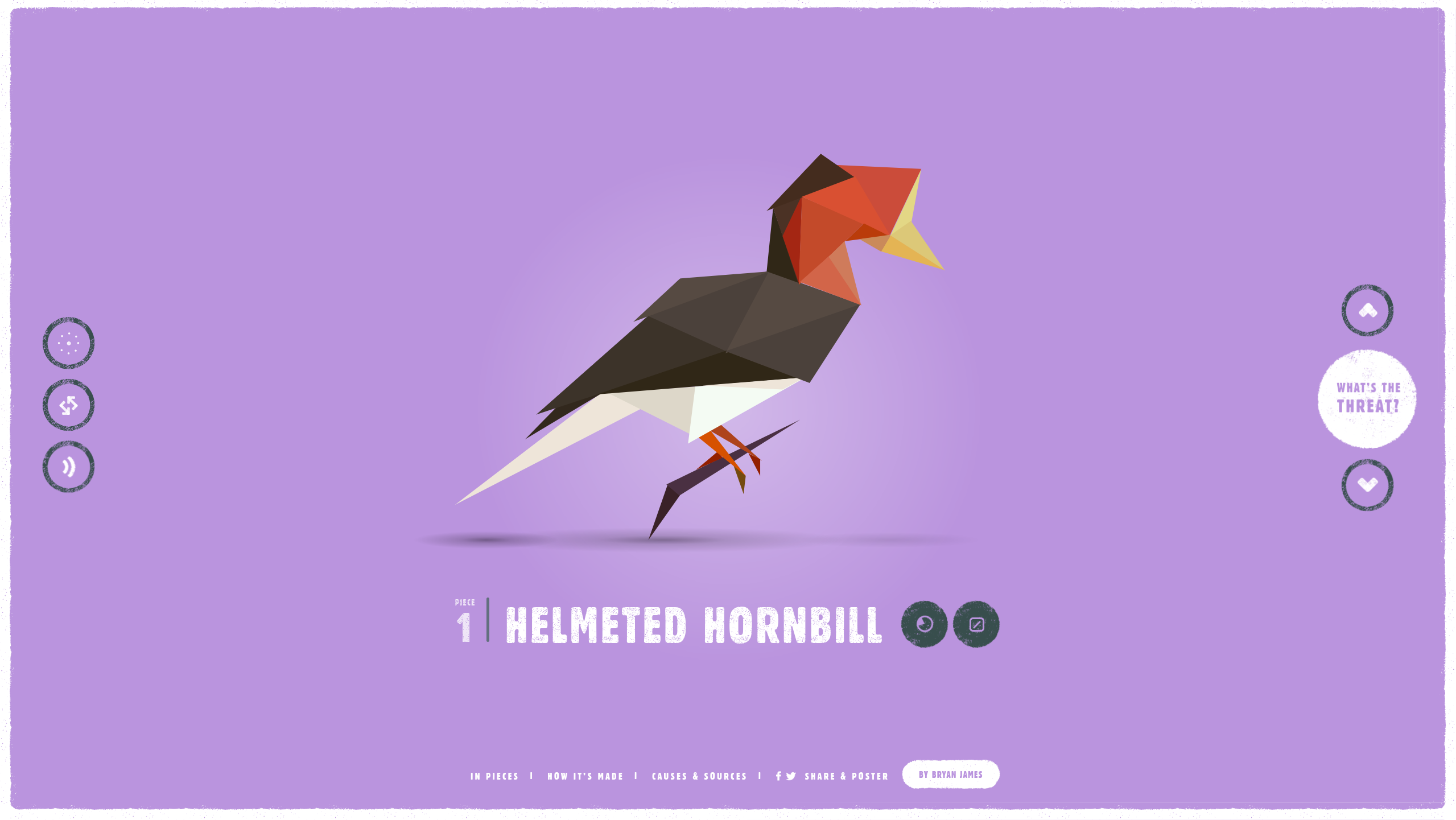
This award-winning project uses CSS clip-paths to create 30 endangered species entirely from animated polygons.
What Makes It Special
- Pure CSS animations — no canvas or WebGL, just CSS transforms
- 30 endangered animals each made of hundreds of triangular pieces
- Educational content about extinction and conservation
- Smooth morphing between different species
Technical Stack
- CSS clip-path for polygon shapes
- JavaScript for animation sequencing
- GSAP for smooth transitions
This proves you don't always need WebGL to create stunning 3D-like effects.
5. Gemini by Lusion — WebGL Car Demo
URL: exp-gemini.lusion.co
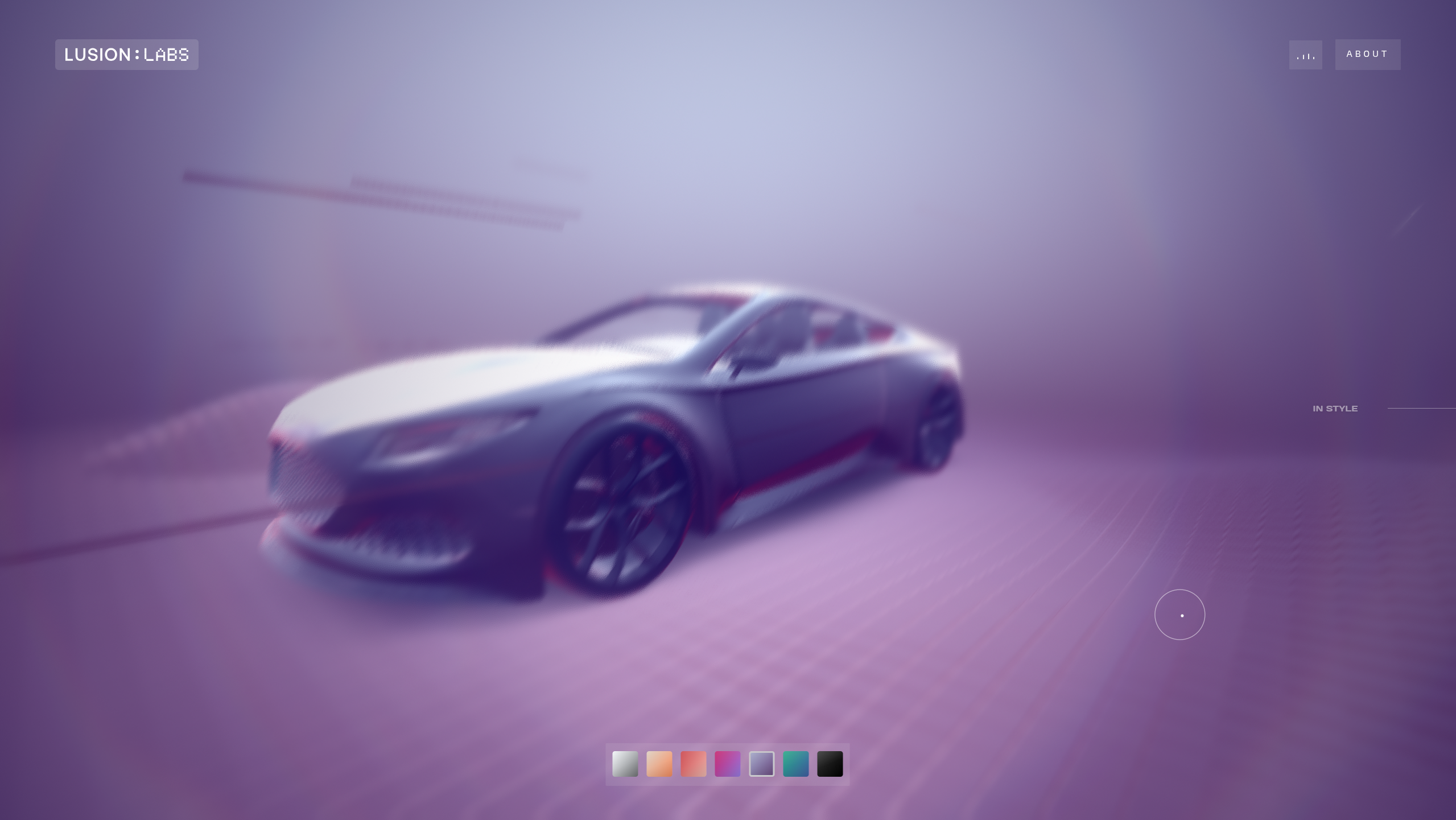
An experimental car configurator that lets you customize a 3D vehicle in real-time.
What Makes It Special
- Real-time material changes — paint, wheels, interior all update instantly
- Cinematic camera movements following your mouse
- HDR lighting with realistic reflections
- Fully interactive — not a video, not pre-rendered
Technical Stack
- Three.js for rendering
- PBR (Physically Based Rendering) materials
- Custom shaders for car paint
This is what e-commerce product pages should aspire to be.
6. The Camel Fabric Game
URL: thecamelfabricgame.maxmara.com
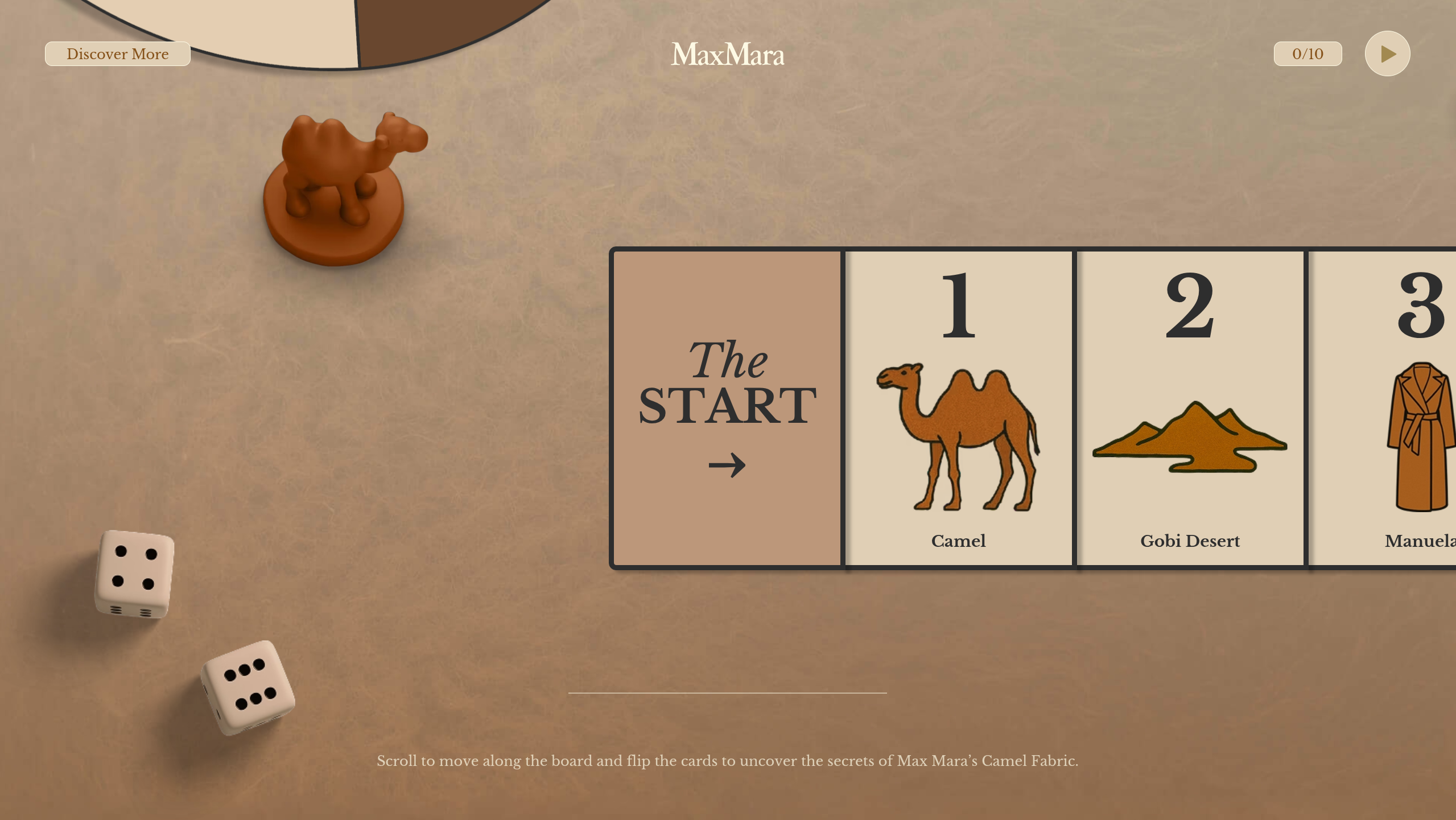
An interactive game where you help a camel navigate through a desert, built entirely with Three.js for Max Mara's iconic camel hair fabric.
What Makes It Special
- Full gameplay in the browser
- Touch and keyboard controls
- Physics simulation for realistic movement
- Collectibles and scoring system
- Brand storytelling through interactive experience
This shows that full-fledged games can run smoothly in browsers without plugins, and proves luxury brands can create engaging digital experiences.
7. Coastal World — Digital Banking Meets Gaming
URL: coastalworld.com
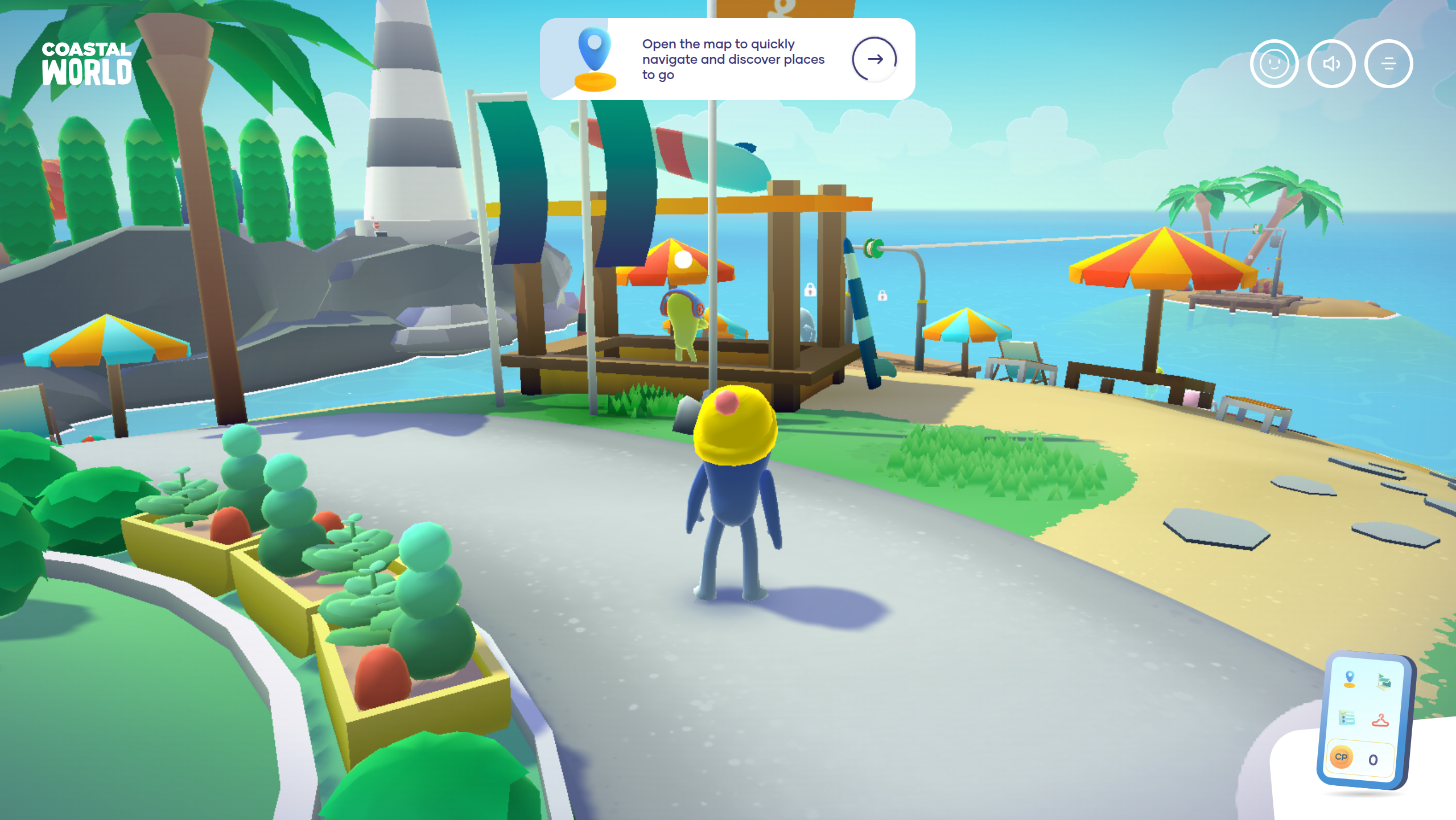
Coastal World transforms digital banking education into an immersive 3D game. Players explore an archipelago to learn about different banking solutions.
What Makes It Special
- Four explorable islands — each island represents different banking services
- Bean-shaped characters that you control through the environment
- Mini-games and tasks — earn points and unlock character customizations
- Virtual smartphone interface — teleport, check progress, and navigate via mini-map
- Gamified education — learn about fintech and neo-banks through play
Technical Stack
- Three.js for 3D rendering and island environments
- Vue.js for UI components and interactivity
- Custom character controller with smooth movement
Awards & Recognition
- Site of the Month August 2022 on Awwwards
- Website of the Year 2022 by CSS Design Awards
- Developed by Merci-Michel, French digital gamification studio
Coastal World proves that even serious topics like banking can be made engaging through thoughtful 3D design and game mechanics
Why These Sites Work
The best 3D websites share common principles:
1. Purpose Over Spectacle
3D enhances the experience — it's not just added for visual flair. Bruno Simon uses it for navigation. Apple uses it to show spatial computing. Orano uses it to explain complex concepts.
2. Performance Matters
All these sites load quickly despite heavy graphics:
- Progressive loading — show basic content first, add detail later
- Lazy loading — load 3D elements as needed
- Optimized models — compress meshes, reduce polygons
- Efficient rendering — only render what's visible
3. Accessibility Isn't Ignored
- Keyboard navigation works
- Reduced motion options respect user preferences
- Fallbacks exist for older browsers
- Content is accessible even without 3D
4. Mobile Responsiveness
Most of these sites work on phones:
- Touch-optimized controls
- Reduced graphics for mobile
- Alternative layouts when needed
Tools Behind These Sites
Three.js
The most popular JavaScript library for 3D on the web. It abstracts WebGL complexity and provides:
- Scene management
- Cameras and lighting
- Material and texture systems
- Animation utilities
React Three Fiber
Brings Three.js into React with:
- Component-based 3D scenes
- React hooks for animations
- Better performance through reconciliation
GSAP (GreenSock)
For smooth scroll-triggered animations and camera movements.
Cannon.js / Rapier
Physics engines for realistic interactions and collisions.
Spline
No-code tool for designing 3D scenes that export to Three.js.
How to Get Started
Want to build your own 3D website?
1. Learn Three.js Basics
Start with the official Three.js documentation and examples. Build simple scenes before attempting complex projects.
2. Study These Examples
Open browser DevTools on these sites. See how they structure their code, load assets, and optimize performance.
3. Start Small
Don't try to build Bruno Simon's portfolio on day one. Start with:
- A rotating 3D object
- Mouse-following animations
- Simple scroll effects
4. Optimize Early
3D can tank performance. Test on real devices, measure frame rates, and optimize aggressively.
5. Consider Accessibility
Not everyone has a powerful GPU. Provide fallbacks, respect motion preferences, and ensure content is accessible without 3D.
The Future of 3D on the Web
These websites are just the beginning. As browsers get faster and GPUs more powerful, we'll see:
- WebGPU adoption — next-gen graphics API faster than WebGL
- Better AR integration — 3D content that blends with reality
- AI-generated 3D — procedural worlds created on the fly
- Spatial computing interfaces — websites designed for Vision Pro and similar devices
The line between "website" and "application" is blurring. 3D is leading that change.
Final Thoughts
These 7 websites prove that the web is no longer limited to flat pages and scrolling text. With creativity, technical skill, and the right tools, you can build experiences that were impossible just a few years ago.
The best part? All of this runs in a browser. No downloads, no plugins, just open a URL and step into another world.
Whether you're a designer, developer, or just someone who appreciates great web experiences, these sites are worth exploring. They're not just websites — they're the future of the web.
Go explore them. Then build something even better.

Revyme